











Key Features
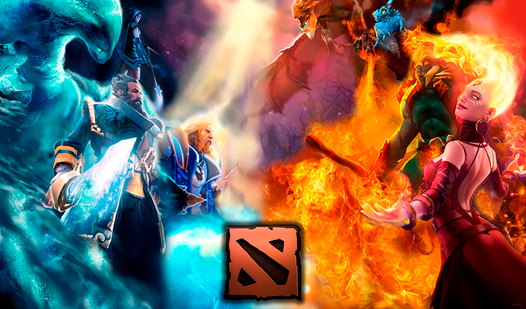
- Iconic Silhouette Mode: The game strips away the textures, forcing you to rely on hero geometry. It turns simple recognition into a real brain-teaser.
- Rapid Recall Pacing: Timers keep things moving. You cannot linger on a single face for too long.
- Dota Lore Check: Every correct guess rewards you with a hit of nostalgia. It feels like a quick trip back to the mid-lane.
- Mobile Friendly UI: The interface scales well for phones. Tapping is responsive.
How to Play
Mastering Guess the hero: Dota 2 controls
Use your mouse or your finger to tap the correct name as soon as the hero portrait pops up. Guess the hero: Dota 2 controls are simple, but speed counts. Just do not click too frantically, or you might misidentify a character and ruin your streak.
How to play Guess the hero: Dota 2
Your goal is to identify the hero before the time runs out. If you get stuck, try looking at the specific armor details or weapon shapes. Common mistake: players often rush the obscure heroes and guess randomly. Learn how to play Guess the hero: Dota 2 by focusing on those unique hero silhouettes first.
Who Should Play Guess the hero: Dota 2?
Frequently Asked Questions about Guess the hero: Dota 2
Can I play Guess the hero: Dota 2 on my phone?
Yes, it works perfectly on mobile devices. Just open the page in your browser and use your fingers to tap the correct hero names.
What are the controls for Guess the hero: Dota 2?
You just need a mouse or a touchscreen. Simply click or tap the name that matches the hero shown on the screen to score points.
Is Guess the hero: Dota 2 free to play?
Yes, Guess the hero: Dota 2 is completely free to play on Nub Games. There are no in-app purchases. No download or registration required.
Can I play Guess the hero: Dota 2 on mobile?
Guess the hero: Dota 2 works on both desktop and mobile devices. Best played in landscape mode.
What age rating is Guess the hero: Dota 2?
The catalog age rating for Guess the hero: Dota 2 is 6+.