



Key Features
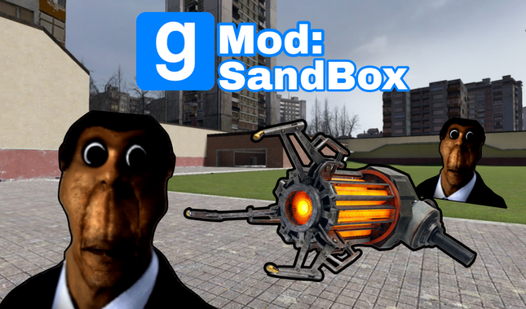
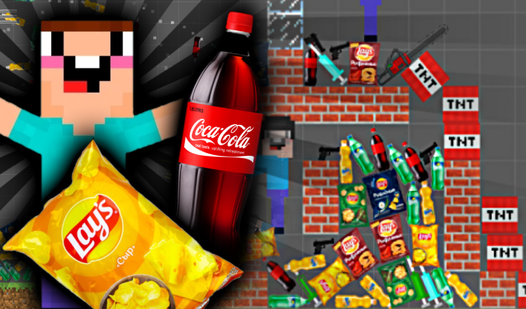
- Physics Playground: Objects react to everything you throw at them. Stacking things often ends in a hilarious explosion of polygons.
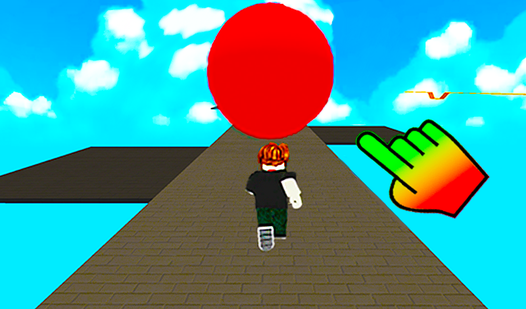
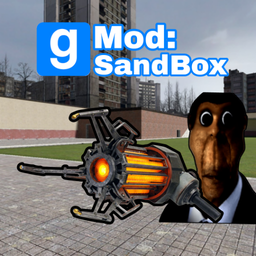
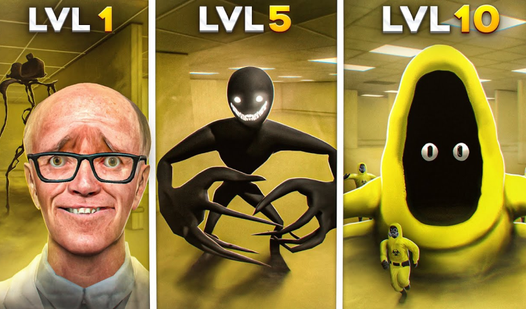
- Nextbot Terror: These guys move fast and ignore your walls. They are the only thing that will make you panic.
- Tool Variety: Grab the gravity gun to manipulate the environment. You can toss crates or build floating platforms.
- Classic Maps: Construct and Plain are here. They offer plenty of space for your weirdest experiments.
How to Play
Gmod: SandBox: Mastering the movement
On PC, Gmod: SandBox controls rely on WASD to navigate the map. Use the right mouse button to unlock your cursor so you can grab items from the menu. Don't try to build complex towers immediately. You will likely mess up and trap yourself inside your own walls.
How to play Gmod: SandBox effectively
Once you learn how to play Gmod: SandBox, start messing with the nextbots. They are fast. Keep your gravity gun ready if you want to launch props at them to slow their approach. It gets chaotic when you have five of them chasing you near the spawn point.
Who Should Play Gmod: SandBox?
Frequently Asked Questions about Gmod: SandBox
Can I play Gmod: SandBox on my phone?
Yes, you can play on mobile devices using the touch joystick and lookpad. It feels a bit cramped compared to a mouse, but it works for quick sessions.
How do you kill nextbots in Gmod: SandBox?
You cannot actually kill them. Your best bet is to build a high structure or use the gravity gun to block their path with heavy objects.
Is Gmod: SandBox free to play?
Yes, Gmod: SandBox is completely free to play on Nub Games. There are no in-app purchases. No download or registration required.
Can I play Gmod: SandBox on mobile?
Gmod: SandBox works on both desktop and mobile devices. Best played in landscape mode.
What age rating is Gmod: SandBox?
The catalog age rating for Gmod: SandBox is 12+.