











Key Features
- Deep color control: Every single pixel of your outfit can be shifted. You can match your eyeshadow to your boots.
- Layering system: Stack accessories to create complex silhouettes. It makes your character look way more detailed than a basic doll.
- Variable backgrounds: Snap your creation into different scenes. Your chibi will pop against the bright, colorful backdrops provided.
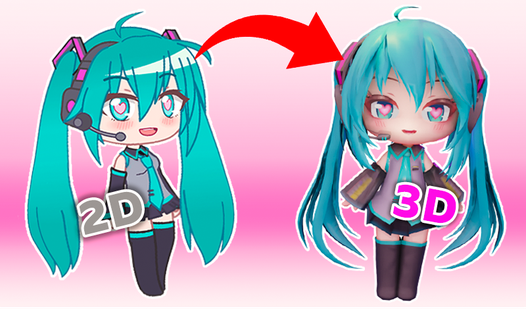
- Chibi proportions: The 3D models have that classic anime look. Everything feels squishy and cute.
How to Play
Mastering Gacha life 3D navigation
Use your mouse to click through the menus. Gacha life 3D controls rely on simple point-and-click logic, so you won't get lost in complex keybinds. Most people forget to scroll down through the hidden accessory lists. Don't make that mistake, or you will miss the best items for your look.
Customizing your Gacha life 3D look
Select any body part to open the color wheel. You can tweak skin tones or shirt patterns until things look right. This is how to play Gacha life 3D if you want total control over your OC. Just watch out for the clunky camera angles, as they can get annoying during editing.
Who Should Play Gacha life 3D?
Frequently Asked Questions about Gacha life 3D
Can I play Gacha life 3D on my phone?
Yes, it runs on mobile browsers just as well as on desktop. You can tap through the menus and design your characters while on the go.
How do you change item colors in Gacha life 3D?
Select the item you want to modify, then click on the color swatch icon in the sidebar. This opens a full palette for your creative needs.
Is Gacha life 3D free to play?
Yes, Gacha life 3D is completely free to play on Nub Games. There are no in-app purchases. No download or registration required.
Can I play Gacha life 3D on mobile?
Gacha life 3D works on both desktop and mobile devices. Best played in landscape mode.
What age rating is Gacha life 3D?
The catalog age rating for Gacha life 3D is 12+.