



Key Features
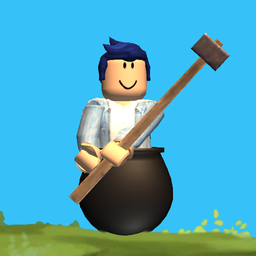
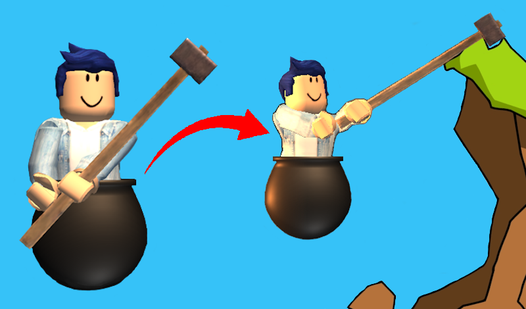
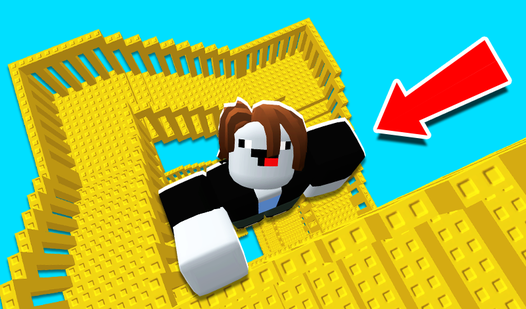
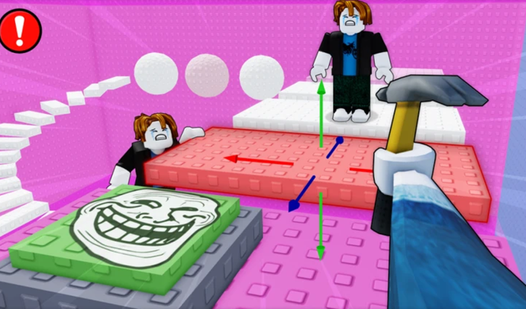
- Brutal Physics: The hammer weight feels heavy and unpredictable. One wrong twitch sends you plummeting back to the bottom.
- Checkpoint System: Save your progress whenever you land a safe jump. It prevents total loss after a bad fall.
- Bonus Mobility: Extra jump buttons give you a desperate boost. Use them when the gap looks impossible to clear.
- Simple Graphics: The desktop view keeps things clean. You focus entirely on the ledge in front of you.
How to Play
Mastering Getting Obby controls
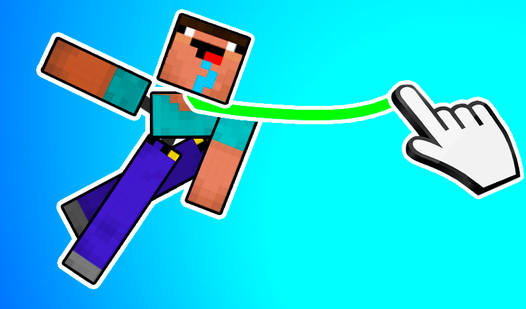
Getting Obby controls depend on how you prefer to suffer. Use the on-screen joystick or click your mouse to swing that hammer. You need to hook the handle onto ledges to pull yourself up. Don't rush your swings. You will overshoot every platform if you panic during the jump.
Getting Obby: The Save System
Use the green button to save your current spot. If you mess up spectacularly, tap the yellow button to load your last position. This is the only way to keep your sanity while figuring out how to play Getting Obby. The physics get weird once you reach the mid-air floating debris.
Who Should Play Getting Obby?
Frequently Asked Questions about Getting Obby
How do you save your progress in Getting Obby?
Look at the top of your screen for the colored buttons. Click the green button to save your current location, and hit the yellow button whenever you need to reload that save.
Can I play Getting Obby on my phone?
Yes, it works on mobile browsers just as well as on a PC. You use touch controls instead of a mouse, which can be tricky until you get the timing down.
Is Getting Obby free to play?
Yes, Getting Obby is completely free to play on Nub Games. There are no in-app purchases. No download or registration required.
Can I play Getting Obby on mobile?
Getting Obby works on both desktop and mobile devices. Best played in landscape mode.
What age rating is Getting Obby?
Getting Obby has a content rating of 0++. It is suitable for all ages.