











Key Features
- Wave Physics: The movement feels twitchy and responsive. You have to anticipate the bounce before you even see the gap.
- Trigger Variety: Speed changes and color shifts keep the visuals from going stale. Messing with these creates a chaotic vibe.
- Instant Testing: Toggle between editor and play mode with one click. This makes iterating on your bad level ideas very fast.
- Visual Sandbox: The sandbox tools let you paint the background. It’s mostly just for show, but it looks cool.
How to Play
Geometry Dash: Make your level with a wave: Mastering the Build
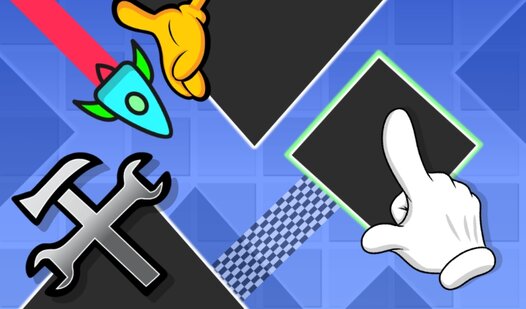
Use your mouse to drag blocks and triggers onto the stage. Geometry Dash: Make your level with a wave controls rely on simple clicks to snap items into place. Most beginners forget to test the hitboxes before moving on. That's how you build a level that’s literally impossible to beat.
How to play Geometry Dash: Make your level with a wave
Hit the start button to run your creation. If you crash, the game kicks you back to the editor instantly. Remember that your progress vanishes the second you close the tab. It’s frustrating, so keep your designs short until you get comfortable with the editor flow.
Who Should Play Geometry Dash: Make your level with a wave?
Frequently Asked Questions about Geometry Dash: Make your level with a wave
How do you save a level in Geometry Dash: Make your level with a wave?
You actually can't save your progress here. The game wipes everything clean once you exit your browser, which makes it a strictly one-session creative challenge.
What are the controls for Geometry Dash: Make your level with a wave?
You use your mouse to select, drag, and drop all objects from the menu. Clicking the start button toggles the simulation so you can test your layout.
Is Geometry Dash: Make your level with a wave free to play?
Yes, Geometry Dash: Make your level with a wave is completely free to play on Nub Games. There are no in-app purchases. No download or registration required.
Can I play Geometry Dash: Make your level with a wave on mobile?
Geometry Dash: Make your level with a wave works on both desktop and mobile devices. Best played in landscape mode.
What age rating is Geometry Dash: Make your level with a wave?
The catalog age rating for Geometry Dash: Make your level with a wave is 6+.