




Key Features
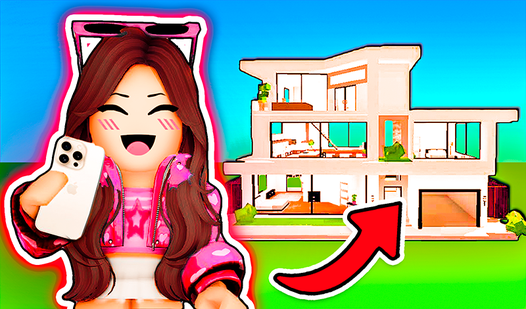
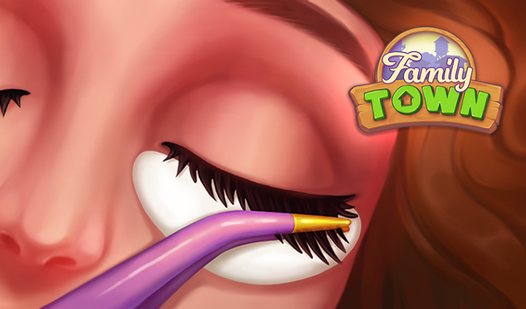
- Town Makeover: Turn run-down streets into cute hubs. Your aesthetic choices directly impact how the neighborhood looks.
- Style Choices: Pick hairstyles and outfits for the locals. It feels like a real fashion challenge.
- Pregnancy Narrative: The story follows Chloe's life shifts. It adds stakes to the usual puzzle loop.
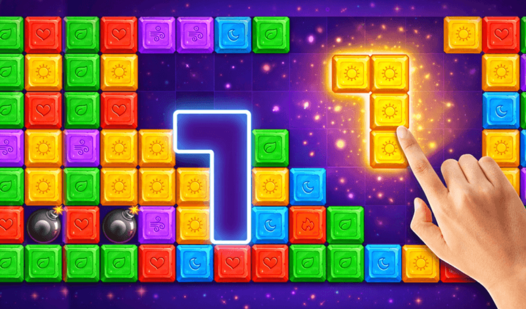
- Puzzle Loops: Levels get chaotic fast. You need to manage your power-ups wisely.
How to Play
Family Town: Mastering the grid
Use your mouse to drag and match items. You need to clear specific pieces to earn stars for renovations. Family Town controls are straightforward, but don't just mindlessly swap tiles. Look for four-in-a-row combos to create blasts. If you ignore the board layout, you will definitely run out of moves.
Renovating in Family Town
Spend those hard-earned stars on furniture and wall colors. This is how to play Family Town effectively. Every choice changes the neighborhood vibe. Watch out though, because some of the later design choices cost way too many stars. It feels like a grind when the puzzle difficulty spikes suddenly.
Who Should Play Family Town?
Frequently Asked Questions about Family Town
How do you earn more stars in Family Town?
You earn stars by clearing levels in the match-3 puzzles. Each successful round grants you the currency needed to finish renovation tasks and advance the story.
Can I play Family Town on my phone?
Yes, it works on mobile browsers. You get the same experience on your phone as you do on a desktop, making it a free way to kill time.
Is Family Town free to play?
Yes, Family Town is completely free to play on Nub Games. Optional in-app purchases are available. No download or registration required.
Can I play Family Town on mobile?
Family Town works on both desktop and mobile devices. Best played in portrait mode.
What age rating is Family Town?
The catalog age rating for Family Town is 12+.