




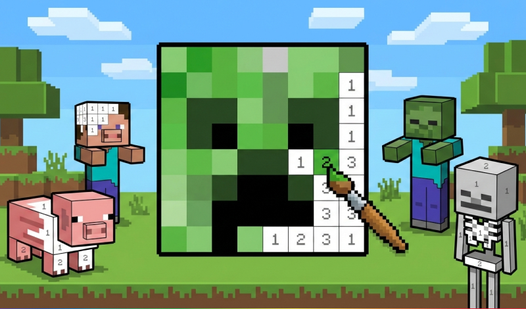

Key Features
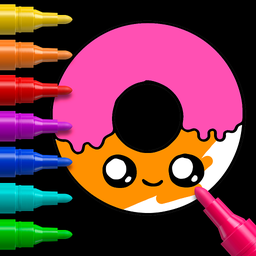
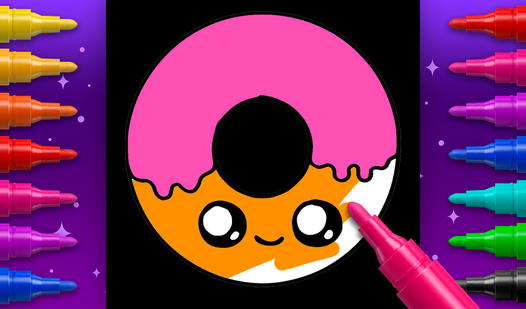
- Neon contrast: The black background makes every single color pop off the screen. It looks way better than standard white pages.
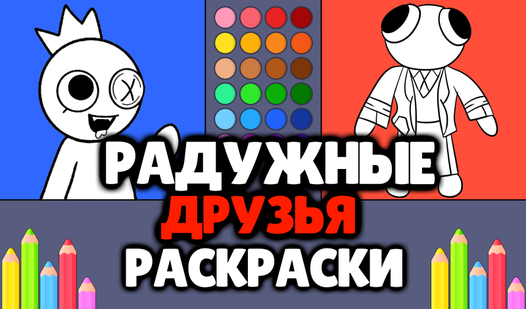
- Fill logic: The auto-fill tool snaps to the borders of your drawing. You don't have to worry about messy edges.
- Marker variety: Switch between thin pencils and thick markers. It changes how you approach the smaller, tighter corners.
- Infinite do-overs: The undo button is a total lifesaver. You can fix any mistake without wiping the whole canvas clean.
How to Play
Mastering Easy Coloring ASMR controls
Easy Coloring ASMR controls rely on your mouse or a quick tap on your screen. You select a tool from the bottom tray and click a shape to fill it instantly. It is how to play Easy Coloring ASMR if you want to avoid dragging your finger across the entire page.
Easy Coloring ASMR: dodging the borders
Hitting the paint bucket tool is the fastest way to work, but don't get reckless. If you click outside the lines, the game sometimes glitches and highlights the wrong area. Slow down your clicks. The game gets way more detailed once you move past the basic animal shapes.
Who Should Play Easy Coloring ASMR?
Frequently Asked Questions about Easy Coloring ASMR
Can I play Easy Coloring ASMR on my phone?
Yes, it works perfectly on mobile browsers. You just tap the screen to select colors and fill in the shapes with the same responsiveness as a desktop mouse.
What are the controls for Easy Coloring ASMR?
You use your mouse or finger to tap tools and coloring areas. It is designed to be touch-friendly, so you shouldn't have any trouble navigating the menus.
Is Easy Coloring ASMR free to play?
Yes, Easy Coloring ASMR is completely free to play on Nub Games. There are no in-app purchases. No download or registration required.
Can I play Easy Coloring ASMR on mobile?
Easy Coloring ASMR works on both desktop and mobile devices. Best played in landscape mode.
What age rating is Easy Coloring ASMR?
The catalog age rating for Easy Coloring ASMR is 0+.