











Key Features
- Loose physics: The vehicle handles like a shopping cart with a broken wheel. You have to fight the momentum on every single jump.
- Sketchy lines: Your drawing style dictates the car's trajectory. If your line is jagged, the ride gets bumpy.
- Minimalist look: The visuals are clean and don't distract you from the track. It keeps the focus entirely on your pen strokes.
- Quick restarts: When you crash, you are back in the action in under a second. No loading screens to slow you down.
How to Play
Draw The Bridge: Master the lines
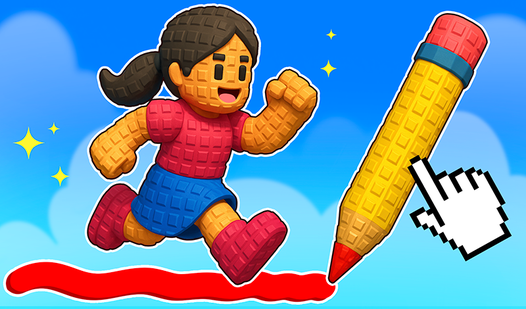
Use your mouse or finger to sketch a path for the vehicle. The Draw The Bridge controls are simple, but one shaky hand sends your ride flying off into the void. How to play Draw The Bridge involves balancing speed with the length of your bridge to ensure the car clears the gap safely.
Draw The Bridge: Avoiding the stall
If you draw your path too steep, the car will lose momentum and stall halfway up. You need to keep the inclines smooth. Most beginners fail because they draw the bridge too short, causing the front bumper to clip the edge of the pit and flip the whole thing over.
Who Should Play Draw The Bridge?
Frequently Asked Questions about Draw The Bridge
How do you draw a stable path in Draw The Bridge?
You need to draw long, sweeping lines rather than sharp corners to keep the car's speed consistent. Avoid sudden vertical spikes or your vehicle will likely flip over.
Can I play Draw The Bridge on my phone?
Yes, it works perfectly on mobile devices. You just tap and drag to create your paths, making it a great way to kill time on the go.
Is Draw The Bridge free to play?
Yes, Draw The Bridge is completely free to play on Nub Games. There are no in-app purchases. No download or registration required.
Can I play Draw The Bridge on mobile?
Draw The Bridge works on both desktop and mobile devices. Best played in landscape mode.
What age rating is Draw The Bridge?
The catalog age rating for Draw The Bridge is 6+.