


Key Features
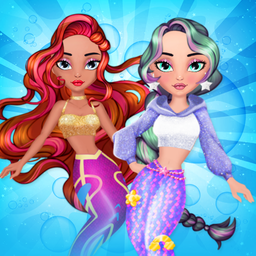
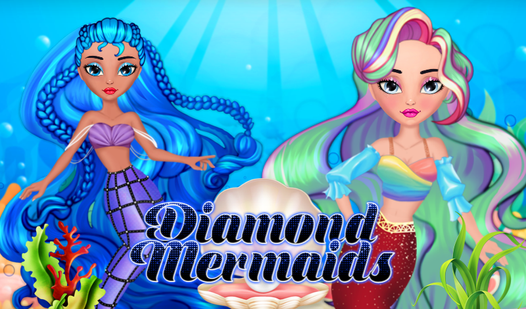
- Sparkling accessory depth: The jewelry options actually change the vibe of the entire character. You might find that one necklace ruins a perfectly good outfit.
- Lush hair physics: Long hair flows behind the mermaid. It adds a sense of movement that keeps the screen from feeling static.
- Detailed makeup palette: Eye shadow and lipstick colors shift the character's expression. You can make them look fierce or soft.
- High-res export: Saving your work is quick and the image quality holds up well for sharing.
How to Play
Mastering Diamond Mermaids styling
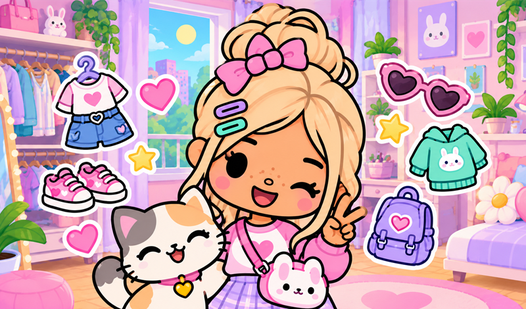
Use your mouse or tap the screen to cycle through the massive wardrobe. You need to pick a base look before hitting the accessories tab. The Diamond Mermaids controls are simple, but don't rush through the makeup menu. Spending time here prevents a mismatched final result.
Saving your Diamond Mermaids creations
Once you nail the look, click the save button to export your doll as a PNG. That is how to play Diamond Mermaids if you want to keep your best designs. The only downside is the lack of an undo button, so watch your clicks carefully.
Who Should Play Diamond Mermaids?
Frequently Asked Questions about Diamond Mermaids
Can I play Diamond Mermaids on my phone?
Yes, it works perfectly on mobile devices. Just use your fingers to tap through the menu options instead of a mouse.
What are the controls for Diamond Mermaids?
The controls consist of simple clicking or tapping. You just select items from the menu and they instantly apply to your mermaid doll.
Is Diamond Mermaids free to play?
Yes, Diamond Mermaids is completely free to play on Nub Games. There are no in-app purchases. No download or registration required.
Can I play Diamond Mermaids on mobile?
Diamond Mermaids works on both desktop and mobile devices. Best played in landscape mode.
What age rating is Diamond Mermaids?
The catalog age rating for Diamond Mermaids is 0+.