



Key Features
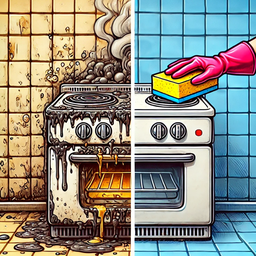
- Fixing disasters: You aren't just matching colors. You are actively repairing floods and fires that stop you from placing that fancy new sofa.
- Global redecorating: Every level you beat sends you to a fresh location. The styles change constantly.
- Hidden treasures: Occasionally, you uncover secret rooms behind the junk. These spots hold extra rewards for your next project.
- Style choices: Pick your favorite furniture pieces. Your choices actually change how the room looks once you finish the job.
How to Play
Mastering Design Show basics
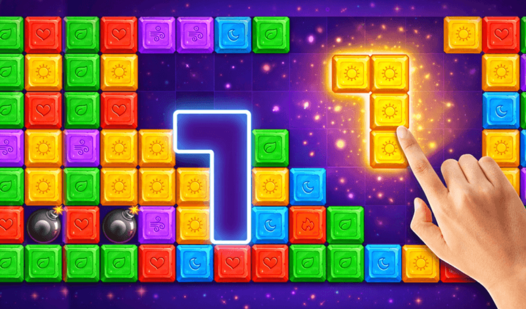
Use your left mouse button to swap tiles and create matches of three or more. The Design Show controls are simple enough, but don't get cocky. You need to clear specific tiles to unlock tools for your repairs. Just remember that wasting moves on low-value matches is the most common mistake players make early on.
How to play Design Show effectively
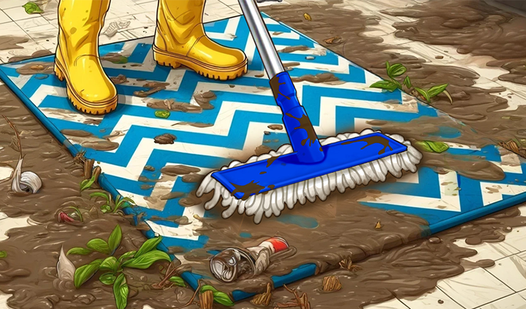
Focus on the objective board in the corner of your screen. If the level demands you clear mud, ignore the rest of the board. You’ll find that later levels are kind of unfair with their limited move counts. Push through the frustration to see what wild furniture you can unlock for those apartments.
Who Should Play Design Show?
Frequently Asked Questions about Design Show
Can I play Design Show on my phone?
Yes, it runs on mobile browsers just as well as on desktop. You just tap the screen to swap tiles instead of clicking with a mouse.
How do you earn rewards in Design Show?
You win them by completing puzzle levels with moves to spare. If you finish with a high score, you get extra currency for those expensive furniture upgrades.
Is Design Show free to play?
Yes, Design Show is completely free to play on Nub Games. Optional in-app purchases are available. No download or registration required.
Can I play Design Show on mobile?
Design Show works on both desktop and mobile devices. Best played in portrait mode.
What age rating is Design Show?
The catalog age rating for Design Show is 6+.