











Key Features
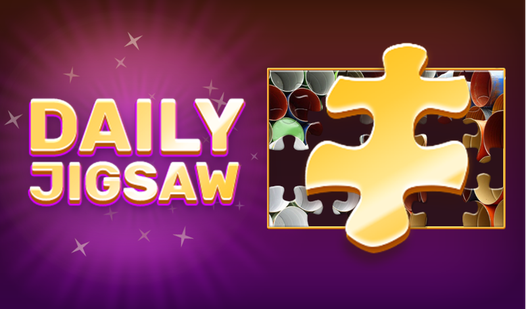
- Daily image refresh: The board resets every twenty-four hours with a fresh photo. You never run out of new patterns to untangle.
- Piece sorting trays: Keep your workspace tidy by grouping colors. This makes scanning for that one missing corner piece much faster.
- Visual assist tools: Toggle the ghost image overlay when you hit a wall. It shows you the target shape for each piece.
- Adjustable grid density: Crank the piece count up if you want a real headache. It turns a quick session into a marathon.
How to Play
How to play Daily Jigsaw
Daily Jigsaw controls are simple. Just click and drag pieces with your mouse or tap them on a touchscreen. You should group pieces by color or edge shape first. If you try to force pieces together, they simply won't snap. It is a common mistake that wastes a ton of time.
Mastering Daily Jigsaw tools
Use the preview button if you get stuck on a tricky section. Zooming in helps when the pieces look like tiny blobs of static. You can also hide the finished image to make it harder. Honestly, the sorting tray is a lifesaver, though it gets a bit cramped on smaller phone screens.
Who Should Play Daily Jigsaw?
Frequently Asked Questions about Daily Jigsaw
Can I play Daily Jigsaw on my phone?
Yes, it runs on mobile browsers just as well as on a desktop. You just tap and drag instead of using a mouse, which feels pretty natural.
What are the controls for Daily Jigsaw?
Daily Jigsaw controls involve clicking or tapping to select a piece, then dragging it to the correct spot on the board. Double-tapping or right-clicking usually rotates pieces.
Is Daily Jigsaw free to play?
Yes, Daily Jigsaw is completely free to play on Nub Games. There are no in-app purchases. No download or registration required.
Can I play Daily Jigsaw on mobile?
Daily Jigsaw works on both desktop and mobile devices. Best played in portrait mode.
What age rating is Daily Jigsaw?
The catalog age rating for Daily Jigsaw is 0+.