







Key Features
- Shape Destruction: Clear the screen by slicing through incoming polygons. Each hit gives you coins for upgrades.
- Laser Upgrades: Spend your hard-earned cash to boost your fire rate. You'll need the extra power for the later stages.
- Geometry Chaos: Objects move in unpredictable patterns. Watch out for the small ones.
- Clean Visuals: The bright aesthetic keeps things readable even when the screen is full of debris.
How to Play
How to play Cut with Laser! effectively
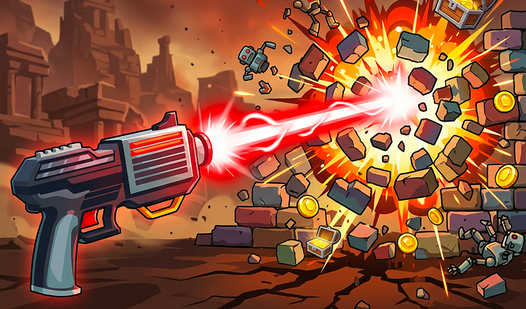
Tap your screen or click to fire your beam at the target shapes. It’s all about timing your shots to hit the geometry before it drifts out of range. Mastering the Cut with Laser! controls is simple, but don't hold the button down too long or you'll waste energy.
Cut with Laser!: Dealing with the speed
The biggest mistake is panic-tapping when the screen gets crowded. Stay calm and focus on the center of the screen. If you rush, you will miss your marks. Later levels get pretty chaotic, and you'll find the hitbox detection occasionally feels a bit tight when things move fast.
Who Should Play Cut with Laser!?
Frequently Asked Questions about Cut with Laser!
Can I play Cut with Laser! on my phone?
Yes, it works great on mobile browsers. You just tap the screen to fire your laser, making it a perfect game for a quick bus ride.
How do you upgrade your laser in Cut with Laser!?
You collect coins by breaking shapes and visit the shop menu between rounds. Grab these upgrades early to help you keep up with the increasing difficulty.
Is Cut with Laser! free to play?
Yes, Cut with Laser! is completely free to play on Nub Games. There are no in-app purchases. No download or registration required.
Can I play Cut with Laser! on mobile?
Cut with Laser! works on both desktop and mobile devices. Best played in landscape mode.
What age rating is Cut with Laser!?
Cut with Laser! has a content rating of 12++. Parental guidance may be recommended for younger players.