





Key Features
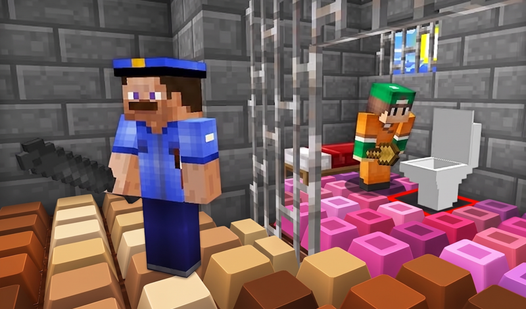
- Infinite block palette: Switch between materials using your scroll wheel. Your castle colors shift as you flip through the inventory.
- Total creative freedom: Build a shack or a fortress. No rules exist to stop you from making something weird.
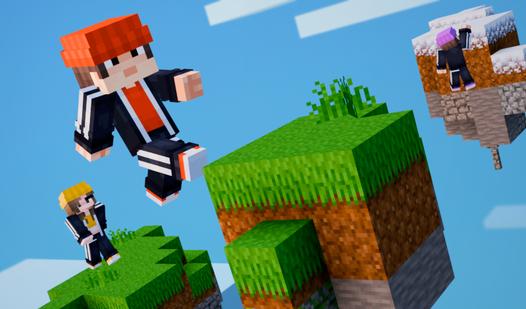
- Physics-free zones: Blocks float in mid-air. You can construct impossible bridges that defy gravity.
- Camera sensitivity: The view snaps quickly. It feels twitchy if you are used to slower building games.
How to Play
Mastering Cube World 3D controls
To learn how to play Cube World 3D, get comfortable with WASD to move and the mouse to look around. Left-click deletes blocks, while right-click places them. Just watch your aim. Clicking too fast makes you accidentally delete the floor you are standing on, which is a massive pain.
Cube World 3D: Building your masterpiece
Use the mouse wheel to cycle through different block types. You need to rotate your camera frequently to check the alignment of your walls. The biggest mistake is forgetting to look underneath your structure. If you leave gaps in the foundation, the whole thing looks like it belongs in a parkour level.
Who Should Play Cube World 3D?
Frequently Asked Questions about Cube World 3D
How do you delete blocks in Cube World 3D?
You simply point your cursor at any block you placed and press the left mouse button. It disappears instantly, letting you fix your mistakes or clear space for a new design.
What are the Cube World 3D controls?
Use WASD to walk around, Space to jump, and Shift to run. Your mouse handles the camera, while the left and right buttons manage placing and removing blocks.
Is Cube World 3D free to play?
Yes, Cube World 3D is completely free to play on Nub Games. There are no in-app purchases. No download or registration required.
Can I play Cube World 3D on mobile?
Cube World 3D is currently available on desktop only. Best played in landscape mode.
What age rating is Cube World 3D?
The catalog age rating for Cube World 3D is 6+.