







Key Features
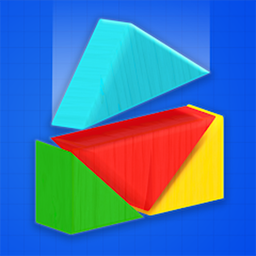
- Wobbly Physics: Blocks don't just snap into place. They slide and tip based on where they hit, forcing you to think about balance.
- Shape Variety: You deal with weird geometries that don't want to stack. It makes simple towers feel like a massive chore.
- Gravity Shifts: Some levels mess with how objects fall. It ruins your muscle memory mid-run.
- Structure Targets: You have to match a specific outline. If you miss the mark, the whole thing just topples over.
How to Play
Color Block Builder: The basics
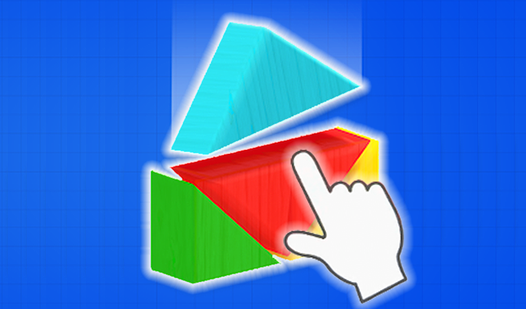
Tap a floating block to drop it toward the target zone. These Color Block Builder controls are straightforward, but the physics engine makes your structures sway if you build too high. Most players mess up by rushing their blocks instead of waiting for the previous one to settle.
Mastering Color Block Builder shapes
You need to align different shapes to finish the target silhouette. Learning how to play Color Block Builder requires patience, especially when the blocks start sliding off each other. Don't worry if your tower looks like a disaster. Later levels turn into a real test of stability.
Who Should Play Color Block Builder?
Frequently Asked Questions about Color Block Builder
Can I play Color Block Builder on my phone?
Yes, it runs on mobile browsers without any issues. The touch controls are just as responsive as a mouse, though the small screen makes placement even trickier.
How do you stack blocks in Color Block Builder?
Tap a floating block to drop it into the play area. You must account for the momentum of the block, as it will bounce or roll depending on the surface.
Is Color Block Builder free to play?
Yes, Color Block Builder is completely free to play on Nub Games. There are no in-app purchases. No download or registration required.
Can I play Color Block Builder on mobile?
Color Block Builder works on both desktop and mobile devices. Best played in portrait mode.
What age rating is Color Block Builder?
The catalog age rating for Color Block Builder is 0+.