








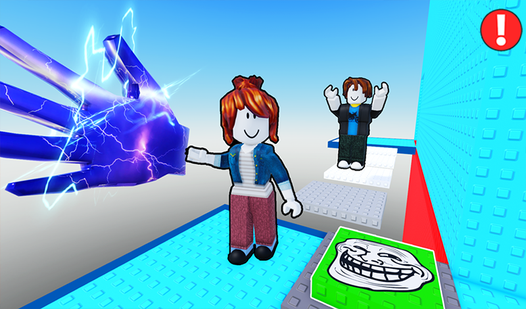
Key Features
- Lava hazards: The floor is literally out to get you. One slip means you are back at the last checkpoint instantly.
- Checkpointed progress: The game saves your spot so you do not lose everything. It keeps the frustration from boiling over.
- Skip mechanics: Stuck on a jump that feels impossible? Use the menu to skip sections and keep moving forward.
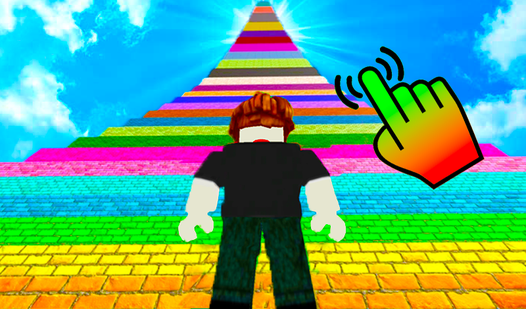
- Clean visuals: Everything is bright, bold, and easy to see. It helps you judge the distance of your next big leap.
How to Play
Mastering Collecting 3D items movement
Use WASD to walk and the space bar to jump. If you are on a phone, use the left joystick to move and the right side of your screen to look around. Learning the Collecting 3D items controls is basic, but keeping your character on the platform is the real fight.
Why Collecting 3D items gets tricky
The biggest mistake is holding shift to run when you should be walking. You will overshoot your landing and plummet into the lava every single time. Once you know how to play Collecting 3D items, you will realize that speed is often your worst enemy during the tighter sections of the map.
Who Should Play Collecting 3D items?
Frequently Asked Questions about Collecting 3D items
How do you restart in Collecting 3D items?
If you fall into the lava, the game handles the respawn for you. You can also manually return to your last checkpoint via the menu if you get truly stuck.
Can I play Collecting 3D items on my phone?
Yes, it works perfectly on mobile devices. Just use the on-screen joystick for movement and tap the jump button to clear those gaps.
Is Collecting 3D items free to play?
Yes, Collecting 3D items is completely free to play on Nub Games. There are no in-app purchases. No download or registration required.
Can I play Collecting 3D items on mobile?
Collecting 3D items works on both desktop and mobile devices. Best played in landscape mode.
What age rating is Collecting 3D items?
The catalog age rating for Collecting 3D items is 6+.