












Key Features
- Tight Hitboxes: The cars have unforgiving collision detection. You’ll feel every scrape against the concrete barrier, so watch your corners.
- Increasing Density: Levels start with one empty lot. Soon, you’re weaving between moving traffic and stationary wrecks to reach your goal.
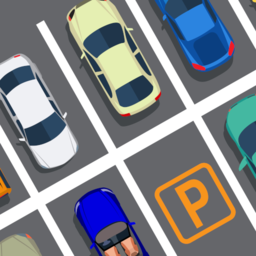
- Camera Angle: The top-down view gives you a decent look at the lot. It helps you judge distances during those messy parallel jobs.
- Level Variety: Expect the difficulty to spike halfway through. The later stages are kind of unfair with their narrow, winding alleyways.
How to Play
City Parking: The Basics
Mastering the City Parking controls is your immediate priority. Use WASD to steer, but don't treat this like a racing sim. You need to tap the keys gently. If you slam the pedal, you’ll overshoot the spot and crash into the curb every single time.
How to play City Parking with precision
Your main goal is to tuck your car into the lines without scratching the paint. Align your tires early. Most players mess up by turning too late, so start your angle wide before you commit to the turn. That’s how you ace the later levels.
Who Should Play City Parking?
Frequently Asked Questions about City Parking
Can I play City Parking on my phone?
Yes, it runs on mobile devices as long as you have a stable connection. The touch controls mimic the keyboard layout, though screen size makes the tightest turns a bit tricky.
What are the City Parking controls?
City Parking controls rely on WASD to move your vehicle. W and S handle your acceleration and braking, while A and D handle your steering input for those sharp turns.
Is City Parking free to play?
Yes, City Parking is completely free to play on Nub Games. There are no in-app purchases. No download or registration required.
Can I play City Parking on mobile?
City Parking works on both desktop and mobile devices. Best played in landscape mode.
What age rating is City Parking?
The catalog age rating for City Parking is 6+.