
Key Features
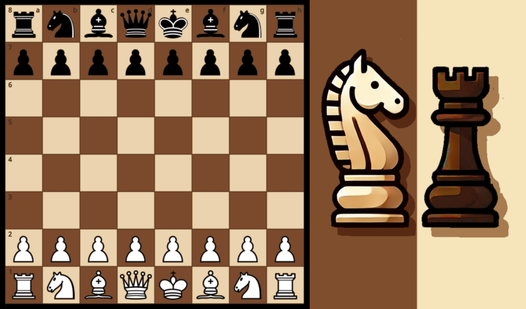
- Raw Logic: The AI plays with zero mercy. It spots every hanging piece you leave behind.
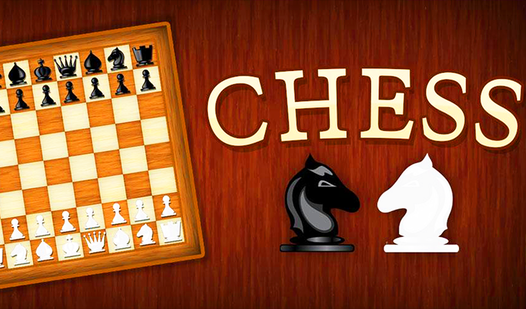
- Minimalist Board: The clean design keeps you focused. No distractions.
- Instant Reset: Restart a match in one click. Perfect for when you mess up.
- Brain Burner: It forces you to visualize lines ahead. Expect a headache after an hour.
How to Play
Chess Classic: Managing your pieces
Use your mouse to drag and drop pieces across the board. The Chess Classic controls are simple enough, but the AI does not forgive sloppy blunders. Always scan your king's safety before you commit to a trade. A common mistake is moving your knight into a pin early.
How to play Chess Classic with strategy
Focus on controlling the center squares from the opening. If you let the computer swarm you there, your mid-game will fall apart fast. You need to learn how to play Chess Classic by prioritizing development over grabbing random pawns. The endgame gets tricky when you run out of pieces.
Who Should Play Chess Classic?
Frequently Asked Questions about Chess Classic
Can I play Chess Classic on my phone?
Yes, it works fine on mobile browsers. You just tap the pieces to select them and tap the target square to move.
Does Chess Classic have multiplayer?
No, this version is strictly for playing against the computer. You will have to look elsewhere if you want to challenge a human friend.
Is Chess Classic free to play?
Yes, Chess Classic is completely free to play on Nub Games. There are no in-app purchases. No download or registration required.
Can I play Chess Classic on mobile?
Chess Classic works on both desktop and mobile devices. Best played in landscape mode.
What age rating is Chess Classic?
The catalog age rating for Chess Classic is 6+.