




Key Features
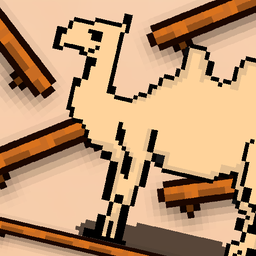
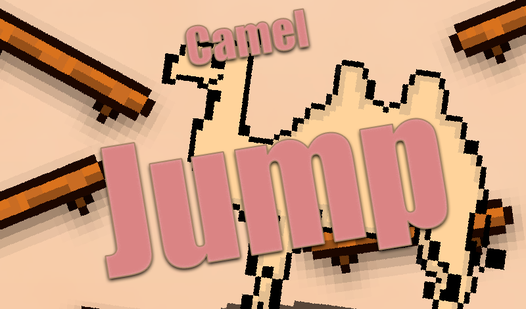
- Tight Hitboxes: The platforms have unforgiving edges that punish sloppy landings. You either stick the jump or you drop.
- Vertical Scaling: Background colors shift as you ascend to signal you are reaching higher danger zones.
- Minimalist UI: Nothing blocks your view of the incoming platforms. You see exactly what you need to dodge.
- Momentum Physics: The jump carries your forward speed. You have to account for that velocity or you will overshoot.
How to Play
Camel Jump: Mastering the Hop
Use any mouse button or tap your screen to trigger a jump. The Camel Jump controls rely on timing your boost to hit the next platform. If you misjudge the distance, you will fall. Most players fail because they spam clicks instead of watching the platform rhythm.
How to play Camel Jump like a pro
Wait for the platform to align before you commit to the jump. You need to aim for the center of each ledge to avoid sliding off. It is how to play Camel Jump without rage-quitting early. The higher you climb, the faster those ledges start moving.
Who Should Play Camel Jump?
Frequently Asked Questions about Camel Jump
Can I play Camel Jump on my phone?
Yes, you can play this on any mobile device with a browser. It works just like the desktop version since it uses simple tap inputs for every jump.
How do you land consistently in Camel Jump?
You need to jump while the platform is still moving toward the center of your screen. Timing your click slightly before the platform arrives helps compensate for the input lag.
Is Camel Jump free to play?
Yes, Camel Jump is completely free to play on Nub Games. There are no in-app purchases. No download or registration required.
Can I play Camel Jump on mobile?
Camel Jump works on both desktop and mobile devices. Best played in none mode.
What age rating is Camel Jump?
Camel Jump has a content rating of 0++. It is suitable for all ages.