









Key Features
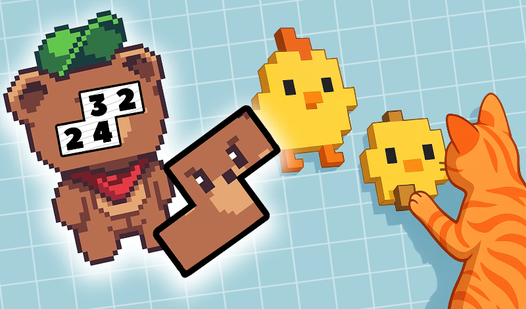
- Grid Logic: The board forces you to think in layers. One wrong placement ruins the entire image.
- Pixel Palette: You get a wide variety of colors to choose from. It keeps the visual feedback consistent.
- Difficulty Curve: Early stages feel like a breeze, but the later boards are an absolute nightmare of tiny, misplaced pixels.
- Shape Building: You build recognizable icons from nothing. It feels like digital embroidery.
How to Play
Mastering Blockogramm movement
To learn how to play Blockogramm, use your mouse to click and drag the colored tiles onto the grid. The Blockogramm controls are simple, but don't get cocky. Many players mess up by miscounting the empty slots near the edges. Slow down or you will definitely misplace a piece.
Solving Blockogramm patterns
Look at the palette at the bottom to identify the required shades before you start placing blocks. If a color looks off, just click it to remove the mistake. The later levels get cramped and messy, so pay attention to the borders. You will need a sharp eye to clear the complex boards.
Who Should Play Blockogramm?
Frequently Asked Questions about Blockogramm
Can I play Blockogramm on my phone?
Yes, it works on mobile devices since it runs directly in your browser. You just need to be careful with your finger placement on smaller screens.
What are the controls for Blockogramm?
You use your mouse or finger to drag and drop colored blocks from the bottom bar onto the grid. It is purely click-and-drag mechanics.
Is Blockogramm free to play?
Yes, Blockogramm is completely free to play on Nub Games. There are no in-app purchases. No download or registration required.
Can I play Blockogramm on mobile?
Blockogramm works on both desktop and mobile devices. Best played in portrait mode.
What age rating is Blockogramm?
The catalog age rating for Blockogramm is 12+.