








Key Features
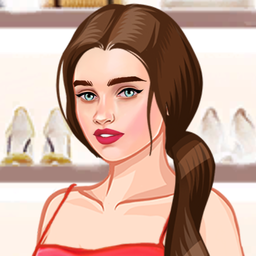
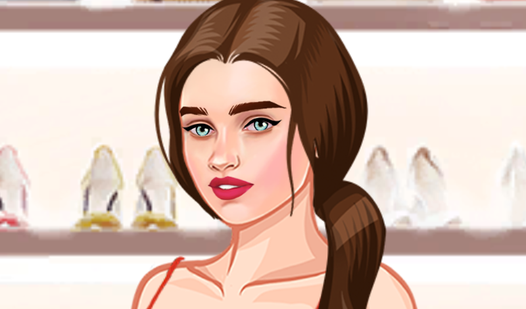
- Deep customization: Tweak every facial detail from lip shape to eye color. It gives you total control over the vibe.
- Versatile wardrobe: Mix and match hundreds of tops, bottoms, and dresses. You will find something that fits your specific vision.
- Instant preview: Changes apply to the model the moment you click. No loading screens between outfit swaps.
- Visual variety: The art style is bright and poppy. It stands out compared to other princess dress up titles.
How to Play
BFF Dress Up: Start with the base
Use your mouse or tap the screen to cycle through skin tones and facial features. Understanding BFF Dress Up controls takes seconds since you just click the icons on the side. The common mistake is ignoring the eye color until the very end, which ruins your color palette.
How to play BFF Dress Up like a pro
Once the face is set, move to the massive wardrobe. You need to layer accessories carefully to avoid clipping issues. Keep experimenting with different hairstyles because they change the silhouette of your character completely. Saving your favorite looks is tricky, so take a screenshot if you find a winner.
Who Should Play BFF Dress Up?
Frequently Asked Questions about BFF Dress Up
Can I play BFF Dress Up on my phone?
Yes, you can play it on any mobile device with a modern browser. Just tap the items to equip them, though the smaller icons can be a bit annoying to hit.
How do you save your look in BFF Dress Up?
The game does not have an internal save button for your gallery. You should use your device's built-in screenshot function to keep a record of your best creations.
Is BFF Dress Up free to play?
Yes, BFF Dress Up is completely free to play on Nub Games. There are no in-app purchases. No download or registration required.
Can I play BFF Dress Up on mobile?
BFF Dress Up works on both desktop and mobile devices. Best played in portrait mode.
What age rating is BFF Dress Up?
The catalog age rating for BFF Dress Up is 12+.