











Key Features
- Visual Sorting: The colors pop off the screen. You can spot the exact shade you need even when the pieces are tiny.
- Clean Workspace: Drag items anywhere on the board. You have plenty of room to spread out your mess.
- Static Images: The pictures don't move or shift. It helps when you are trying to memorize the final layout.
- Snappy Feedback: Pieces click into place firmly. You always know when you hit the right spot.
How to Play
Mastering Assemble the Puzzle controls
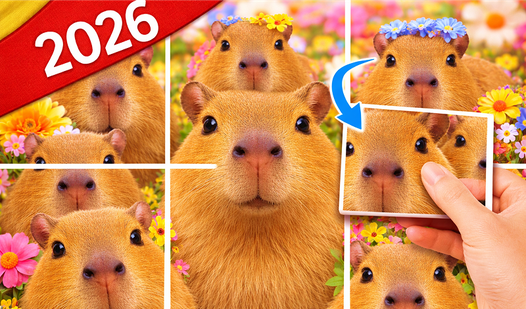
On PC, use your mouse to click and drag fragments. Mobile users just touch and slide pieces into place. You need to look for matching colors or straight edges to build the frame first. That is the best way to learn how to play Assemble the Puzzle without losing your mind.
Assemble the Puzzle: avoid the scatter
Don't drag pieces into a giant pile in the center. You will regret it when you can't find anything later. Keep your workspace clean by sorting fragments by color or shape near the edges. Most people mess up by ignoring the background details until the very end.
Who Should Play Assemble the Puzzle?
Frequently Asked Questions about Assemble the Puzzle
Can I play Assemble the Puzzle on my phone?
Yes, it works fine on mobile browsers. Just use your finger to drag pieces around the screen since the touch detection is responsive.
What is the hardest part of Assemble the Puzzle?
The pieces can feel slightly slippery if you are playing on a small phone screen. It gets annoying when you accidentally drop a fragment in the wrong spot.
Is Assemble the Puzzle free to play?
Yes, Assemble the Puzzle is completely free to play on Nub Games. Optional in-app purchases are available. No download or registration required.
Can I play Assemble the Puzzle on mobile?
Assemble the Puzzle works on both desktop and mobile devices. Best played in portrait mode.
What age rating is Assemble the Puzzle?
The catalog age rating for Assemble the Puzzle is 0+.