




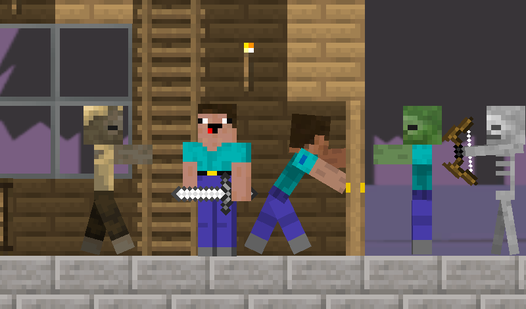

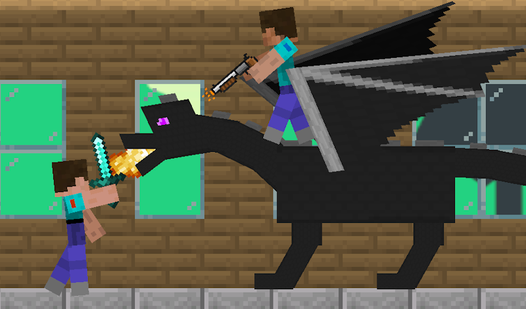

Key Features
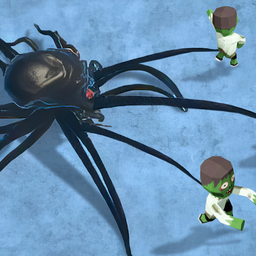
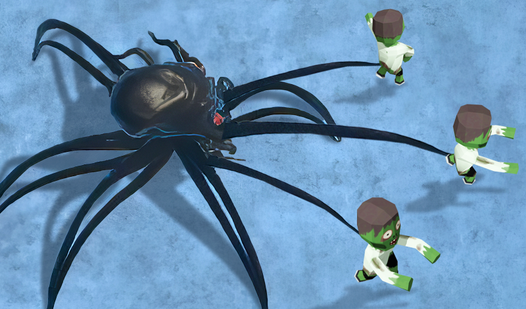
- Spider Evolution: Mutate your appendages to gain reach. You feel like a twitchy boss once your range finally covers the entire map.
- Zombie Waves: The horde speed increases every minute. You have to stay focused.
- Base Fortification: Reinforce your walls before the later rounds. They shatter fast.
- Tactical Clicking: Manage your cooldowns during frantic moments. It gets chaotic quickly.
How to Play
Alien. Defense: Getting Started
Use your mouse or touch screen to target incoming zombies. Alien. Defense controls are simple, yet you need to stay active. Don't just sit there. Click to fire, then prioritize the enemies closest to your base structure. It is the only way to hold the line before the screen fills up.
Upgrading in Alien. Defense
Spend your hard-earned biomass to evolve your creature. Learning how to play Alien. Defense effectively means knowing when to boost your fire rate versus base health. Watch your resources closely. A common mistake is dumping everything into base health while ignoring your damage output. You will eventually get overwhelmed by sheer numbers.
Who Should Play Alien. Defense?
Frequently Asked Questions about Alien. Defense
Can I play Alien. Defense on my phone?
Yes, it runs on mobile browsers perfectly. The touch controls are actually quite snappy for quick taps during those intense zombie waves.
How do you upgrade your alien in Alien. Defense?
Click the upgrade menu between waves to spend your accumulated points. You can evolve your base or your own stats, but remember that base upgrades feel slightly sluggish at first.
Is Alien. Defense free to play?
Yes, Alien. Defense is completely free to play on Nub Games. There are no in-app purchases. No download or registration required.
Can I play Alien. Defense on mobile?
Alien. Defense works on both desktop and mobile devices. Best played in none mode.
What age rating is Alien. Defense?
The catalog age rating for Alien. Defense is 12+.