




Key Features
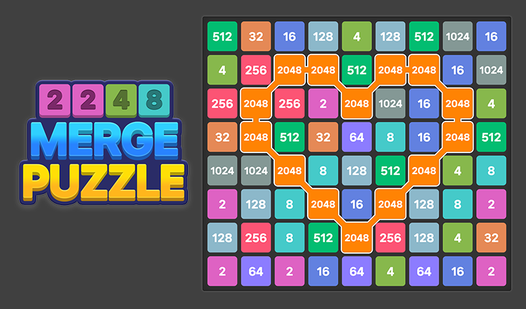
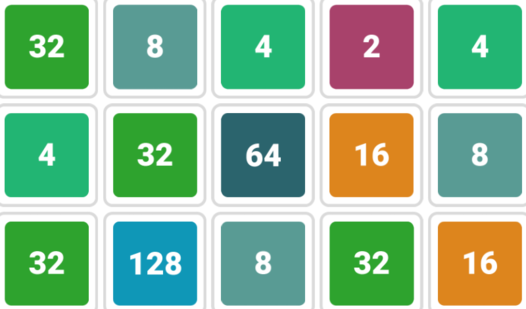
- Clean minimalist layout: The board stays out of your way so you can focus entirely on the math. No distractions here.
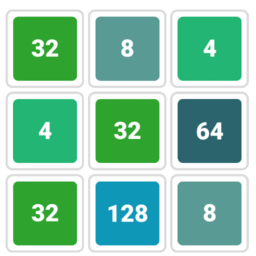
- Sticky tile physics: Tiles slide until they hit a wall or another block. This creates predictable patterns for your next big move.
- Rapid input response: The game registers swipes instantly. It feels snappy, though sometimes it registers a move before you meant to commit.
- Infinite [number](/tag/number) scaling: You aren't locked at 2048. You can keep pushing for higher powers of two until the grid finally locks up.
How to Play
Mastering 2048 Classic inputs
Use your arrow keys or a right-click swipe to shove tiles across the board. The 2048 Classic controls feel responsive, but don't spam buttons too fast. You will accidentally shift your entire stack into a bad position if you lose your rhythm. This is exactly how to play 2048 Classic efficiently.
2048 Classic board management
Keep your highest number in a bottom corner to prevent it from getting blocked. A common mistake is letting small tiles scatter everywhere, which clogs the board. If you run out of space, the game ends. You have to be patient as the numbers grow into an absolute nightmare of tight corners.
Who Should Play 2048 Classic?
Frequently Asked Questions about 2048 Classic
Can I play 2048 Classic on my phone?
Yes, it works great on mobile browsers. You just swipe your finger across the screen to slide the tiles instead of using a mouse.
What are the controls for 2048 Classic?
Use the arrow keys on your desktop keyboard or swipe in the direction you want to move on your touchscreen device.
Is 2048 Classic free to play?
Yes, 2048 Classic is completely free to play on Nub Games. There are no in-app purchases. No download or registration required.
Can I play 2048 Classic on mobile?
2048 Classic works on both desktop and mobile devices. Best played in landscape mode.
What age rating is 2048 Classic?
The catalog age rating for 2048 Classic is 0+.