







Key Features
- Dynamic Market: Prices shift based on your neighborhood trades. You have to watch the board or you will lose gold on bulk shipments.
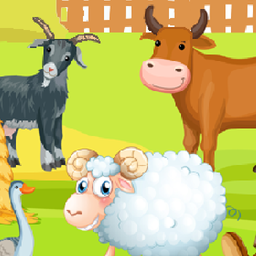
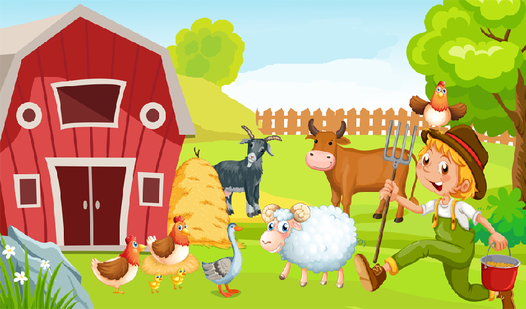
- Animal Companions: Each pet provides unique bonuses. They keep your farm looking lively.
- Expansion Paths: Choose which buildings to upgrade first. Your choices dictate how fast your farm grows.
- Clunky Menus: The inventory UI can get pretty cluttered. Clicking the wrong button happens more than I like.
How to Play
Mastering Your own cozy farm controls
Your own cozy farm controls are simple enough for anyone to pick up. Use your mouse to click plots or tap your screen if you are on mobile. A common mistake is planting everything at once. You will run out of space for the high-value crops if you fill your fields with cheap wheat.
How to play Your own cozy farm efficiently
To learn how to play Your own cozy farm properly, you need to prioritize your order board. Selling raw goods is fine, but processed products net way more cash. Do not ignore those pets either. They look cute, but they are your primary source for rare materials later on.
Who Should Play Your own cozy farm?
Frequently Asked Questions about Your own cozy farm
Can I play Your own cozy farm on my phone?
Yes, it works perfectly on mobile browsers. Just tap the screen to harvest and drag your finger to navigate the map.
How do you produce better goods in Your own cozy farm?
You need to unlock the production buildings through the development tree. Once placed, drag your harvested ingredients into the machines to start the process.
Is Your own cozy farm free to play?
Yes, Your own cozy farm is completely free to play on Nub Games. There are no in-app purchases. No download or registration required.
Can I play Your own cozy farm on mobile?
Your own cozy farm works on both desktop and mobile devices. Best played in landscape mode.
What age rating is Your own cozy farm?
The catalog age rating for Your own cozy farm is 12+.