


Key Features
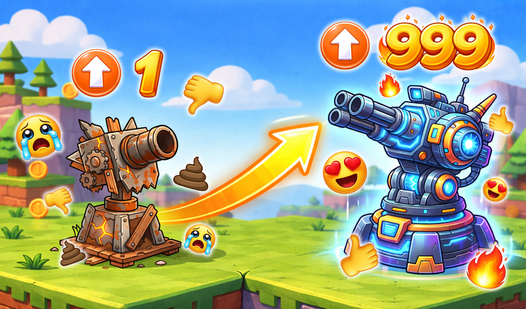
- Visual Evolution: Graphics start as basic blobs. You buy better textures and effects until the screen glows with actual polish.
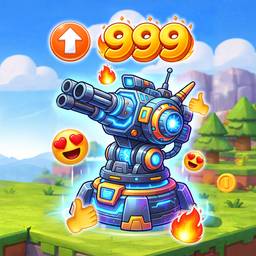
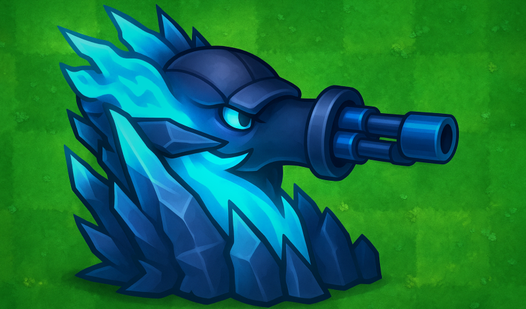
- Turret Customization: Swap your pea-shooter for heavy artillery. Each tier changes the sound and punch of your shots.
- Wave Scaling: Enemies get faster as you grow. The game forces you to keep pace with your own power.
- Menu Overhaul: Even the UI gets a glow-up. You're literally upgrading the buttons you click to improve the game.
How to Play
Mastering Upgrade your game! controls
Use your mouse to click or tap your screen to aim and fire. Holding the button keeps the stream of bullets going. Learning how to play Upgrade your game! is simple, but don't just spam the trigger. You need to pace yourself or you'll run out of cash for the good stuff.
Where should you spend in Upgrade your game!?
Your first priority is the fire rate. It feels sluggish at the start, making those early waves a chore to clear. Once you have a decent spread, dump points into damage. Just watch out for the menu navigation, which feels clunky when you're trying to click through upgrades mid-wave.
Who Should Play Upgrade your game!?
Frequently Asked Questions about Upgrade your game!
Can I play Upgrade your game! on my phone?
Yes, it works fine on mobile browsers. Just tap the screen to aim your turret and manage your upgrades while you're on the go.
How do you progress in Upgrade your game!?
Earn cash by destroying enemies during active waves. Use that money in the main menu to buy stat boosts and visual improvements for your turret.
Is Upgrade your game! free to play?
Yes, Upgrade your game! is completely free to play on Nub Games. There are no in-app purchases. No download or registration required.
Can I play Upgrade your game! on mobile?
Upgrade your game! works on both desktop and mobile devices. Best played in none mode.
What age rating is Upgrade your game!?
Upgrade your game! has a content rating of 12++. Parental guidance may be recommended for younger players.