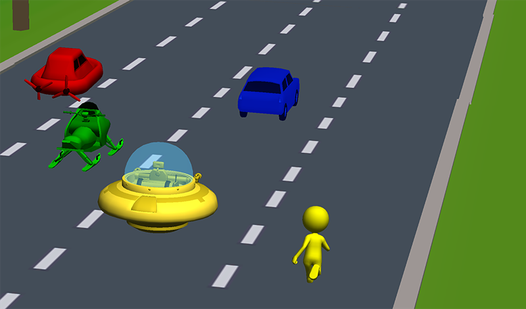











Key Features
- Escalating lane count:
- Aggressive horn mechanics:
- Roadside power-ups:
- Varied garage selection:
How to Play
Mastering Traffic Jam controls
Use your arrow keys or the on-screen joystick to dodge traffic. Press the spacebar to honk, which forces cars to clear out of your way. This is how to play Traffic Jam without turning your hood into an accordion. Just watch your speed or you’ll lose control on the tighter curves.
Traffic Jam: The art of the lane change
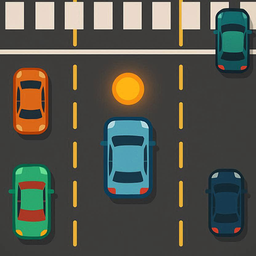
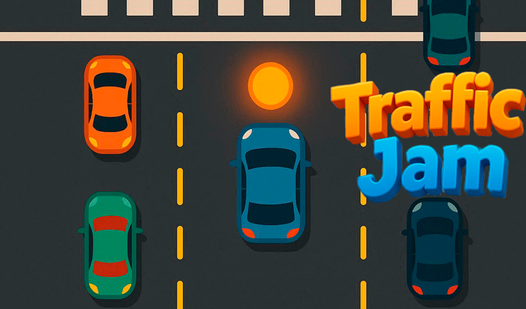
Always keep an eye on the traffic lights at pedestrian crossings. If they turn red, stop or switch lanes immediately to avoid a messy collision. New players often forget that Traffic Jam controls are sensitive at high speeds. Don't overcorrect your steering, or you'll slam directly into the median.
Who Should Play Traffic Jam?
Frequently Asked Questions about Traffic Jam
How do you clear traffic in Traffic Jam?
Use the spacebar on PC or the horn button on mobile to get cars to move. They will yield to your horn, creating a small gap for you to slip through safely.
Can I play Traffic Jam on my phone?
Yes, it works perfectly on mobile browsers. The three-zone joystick setup makes it easy to switch lanes and hit the brakes without needing a keyboard.
What games are similar to Traffic Jam?
If you enjoy high-speed avoidance, try Avoid Waves - Rescue Memes! for similar reflexes or Obby but You're on a Bike for a different kind of movement challenge.
Is Traffic Jam free to play?
Yes, Traffic Jam is completely free to play on Nub Games. There are no in-app purchases. No download or registration required.
Can I play Traffic Jam on mobile?
Traffic Jam works on both desktop and mobile devices. Best played in portrait mode.
What age rating is Traffic Jam?
Traffic Jam has a content rating of 12++. Parental guidance may be recommended for younger players.