








Key Features
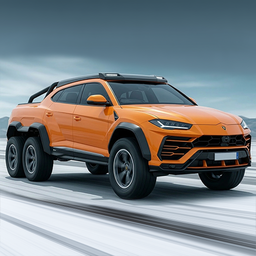
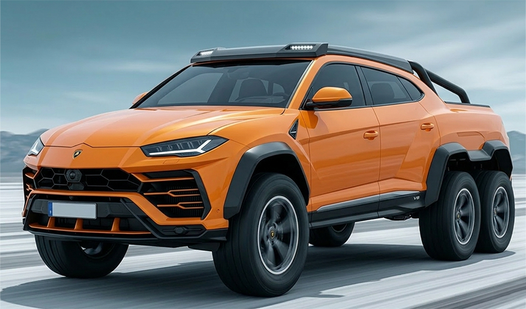
- Neon Customization: Swap paint jobs and wheels to make your ride pop. It looks sharp under the track lights.
- Nitro Bursts: Instant acceleration changes your momentum. Use it to clear jumps that otherwise end in a fireball.
- Shield Tactics: Pop a shield to ignore debris. It is your only hope when the track starts throwing hazards.
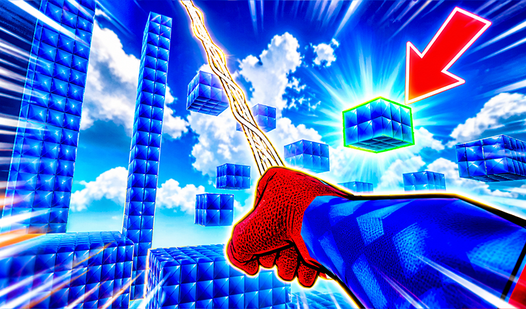
- Fantasy Tracks: The environments get weird fast. One minute you are on a circuit, the next you are in a glitchy digital void.
How to Play
Mastering Track Masters 3D controls
Use WASD or tap the screen to steer your ride. The Track Masters 3D controls feel a bit slippery at first, so don't panic if you drift off the edge immediately. You have to commit to your turns early to avoid hitting the guardrails.
How to play Track Masters 3D efficiently
Burn your nitro only on straightaways. Using it in a curve is a one-way ticket to a crash. A common mistake is trying to shield through every single obstacle, but your energy bar isn't infinite. Save those protective shields for the massive loops that appear in the later stages.
Who Should Play Track Masters 3D?
Frequently Asked Questions about Track Masters 3D
Can I play Track Masters 3D on my phone?
Yes, it runs perfectly on mobile browsers. You can take your setup on the go without needing a bulky desktop rig to get those high-speed times.
How do you use the shield in Track Masters 3D?
Hit the shield icon when you see debris coming. It makes you invincible for a few seconds, which is crucial for surviving the absolute nightmare of the final levels.
Is Track Masters 3D free to play?
Yes, Track Masters 3D is completely free to play on Nub Games. Optional in-app purchases are available. No download or registration required.
Can I play Track Masters 3D on mobile?
Track Masters 3D works on both desktop and mobile devices. Best played in portrait mode.
What age rating is Track Masters 3D?
The catalog age rating for Track Masters 3D is 6+.