







Key Features
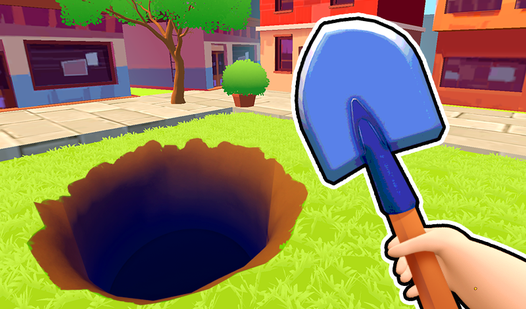
- Living environments: The maps aren't just static images. Small animations make the world feel like a real place, which helps you spot movement.
- Zoom mechanics: Use your mouse wheel to get a closer look at dense areas. You'll need this when items hide under larger objects.
- Zero pressure: No timers exist here. You can leave the tab open all day and come back whenever you want.
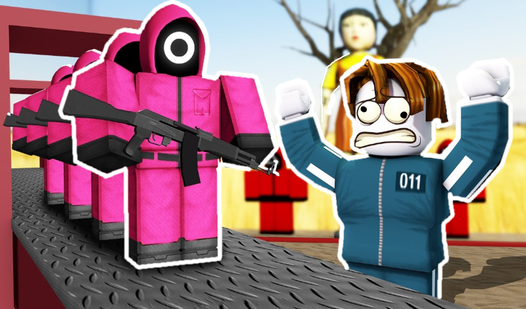
- Charming residents: Meeting the locals adds flavor to your search. They pop up as you clear the map.
How to Play
Mastering The Foundary controls
Use your mouse to click items or tap your screen if you’re mobile. The Foundary controls feel a bit tight, so take your time scanning the corners. A common mistake is clicking frantically; you’ll just end up misclicking and losing your rhythm. Focus on the edges of the screen first.
Unlocking more of The Foundary
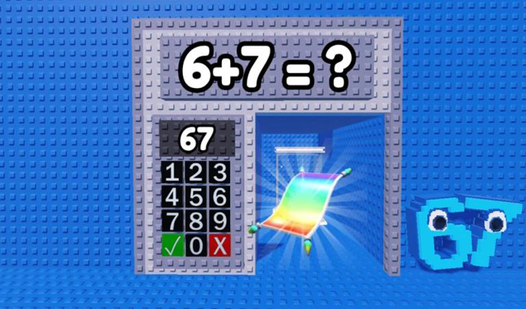
You need to find a specific set of items before the game lets you move to the next area. This is how to play The Foundary without getting stuck. Once you hit the magic number, the gate swings open. Don’t worry, the later levels get much busier and honestly a bit overwhelming.
Who Should Play The Foundary?
Frequently Asked Questions about The Foundary
Can I play The Foundary on my phone?
Yes, it works fine on mobile browsers. Just use your fingers to pinch and zoom around the map since the items are small.
How many levels does The Foundary have?
The game includes 20 different locations to explore. Each one increases in complexity as you progress through the story.
Is The Foundary free to play?
Yes, The Foundary is completely free to play on Nub Games. There are no in-app purchases. No download or registration required.
Can I play The Foundary on mobile?
The Foundary works on both desktop and mobile devices. Best played in none mode.
What age rating is The Foundary?
The Foundary has a content rating of 0++. It is suitable for all ages.