


Key Features
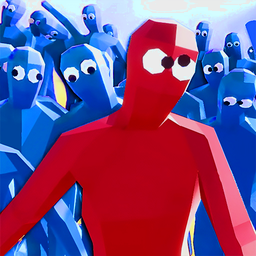
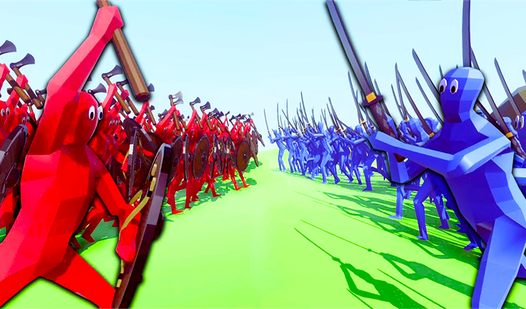
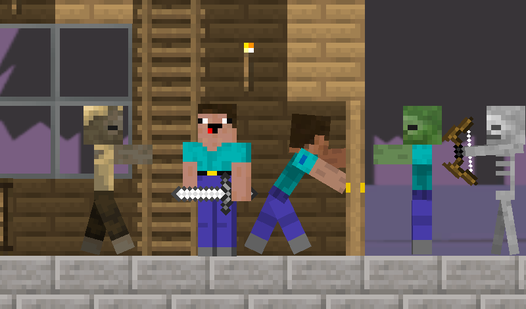
- Wobbly Physics: Units stumble and trip over their own feet. Every collision turns into a slapstick disaster that makes every win feel like a fluke.
- Infinite Sandbox: Forget budget limits and just spawn massive walls of units. It is the best place to test which fighters actually stand a chance.
- Campaign Progression: The levels start simple but quickly force you to rethink your tactics. You have to counter specific enemy setups to survive.
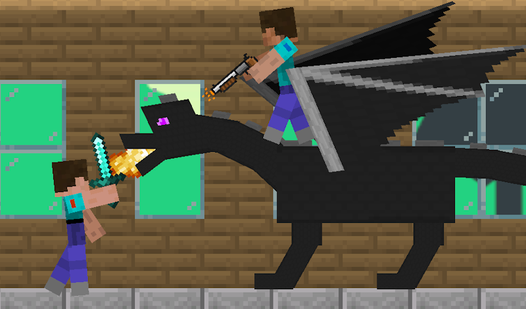
- Total Chaos: Watching two armies collide is pure entertainment.
How to Play
TABS: Deploying your squad
Before the match kicks off, drag your units onto your side of the map. Use WASD for camera movement and check your budget carefully. You will need to learn how to play TABS by balancing cheap fodder against expensive powerhouses. Don't blow all your cash on one unit type.
Mastering TABS controls
Once you hit start, your guys rush forward automatically. Use the TABS controls—specifically the T key—to slow down time if you want to watch the carnage unfold in slow motion. If you get lost in the fray, press F to switch to the free camera and scout the battlefield.
Who Should Play TABS?
Frequently Asked Questions about TABS
Can I play TABS on my phone?
Yes, you can play on mobile devices using your touch screen. Just tap the sides of the screen to move the camera and use the on-screen buttons to manage your army.
How do you win in TABS?
You win by placing units that effectively counter the enemy composition on the field. Sometimes a wall of shields is better than a dozen archers, so experiment with different unit roles.
Is TABS free to play?
Yes, TABS is completely free to play on Nub Games. There are no in-app purchases. No download or registration required.
Can I play TABS on mobile?
TABS works on both desktop and mobile devices. Best played in landscape mode.
What age rating is TABS?
The catalog age rating for TABS is 12+.