



Key Features
- Local Versus: Invite a friend over to share the keyboard. It turns the living room into a high-stakes arena.
- Fast Aggression: The combat is snappy. You lose if you hesitate for even a single second.
- Simple Hitboxes: The hit detection is straightforward. You know exactly when you messed up.
- Weighty Hits: Landing a clean kick feels heavy. It provides great feedback when you finally connect.
How to Play
Mastering Shadow Fights movement
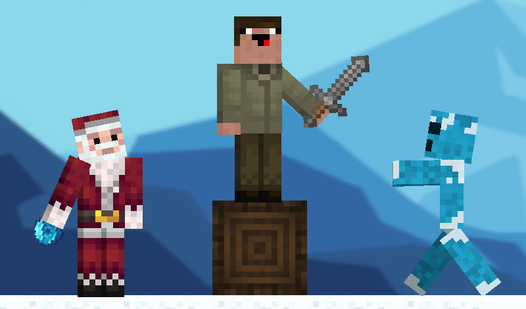
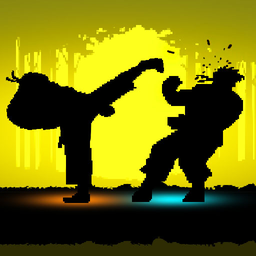
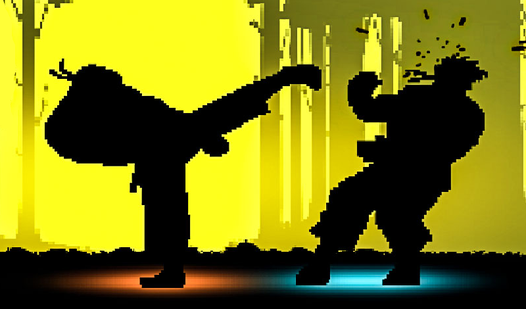
Understanding Shadow Fights controls is your first hurdle. Blue uses WASD for position, while Orange relies on the arrow keys. You need to keep moving constantly. Don’t just stand there waiting for an opening. A common mistake is spamming buttons without looking at your spacing, which leaves you wide open for a counter.
Winning at Shadow Fights
To learn how to play Shadow Fights effectively, focus on the punch and kick timing. Press F or K to throw a punch, then follow up with G or L for a kick. Connect your strikes to drain the health bar. The later rounds get surprisingly hectic, so prepare for a real challenge.
Who Should Play Shadow Fights?
Frequently Asked Questions about Shadow Fights
Does Shadow Fights have multiplayer?
Yes, it is designed specifically for two people to compete on the same computer. You just need to sit side-by-side and agree on who gets the WASD keys.
What are the controls for Shadow Fights?
Blue player moves with WASD, punching with F and kicking with G. Orange player uses the arrow keys to move, while K and L handle their attacks.
Is Shadow Fights free to play?
Yes, Shadow Fights is completely free to play on Nub Games. There are no in-app purchases. No download or registration required.
Can I play Shadow Fights on mobile?
Shadow Fights is currently available on desktop only. Best played in landscape mode.
What age rating is Shadow Fights?
The catalog age rating for Shadow Fights is 12+.