


Key Features
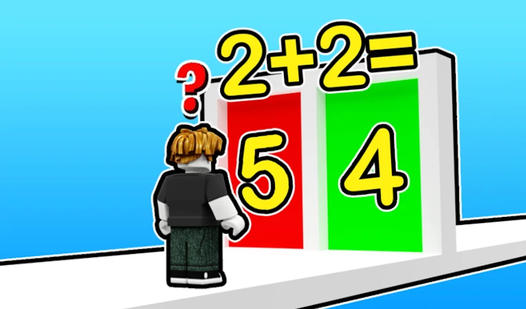
- Subject variety: The game forces you to jump between history and physics, which keeps your brain from settling into a single pattern.
- Strict timers: The clock creates actual pressure. You cannot spend ten minutes debating an answer.
- Brutal grading: Getting one wrong can tank your score instantly. It feels harsh, but it keeps you focused on the details.
- Quick sessions: Matches finish fast. You can burn through a full set of questions during a short break.
How to Play
Mastering School questions controls
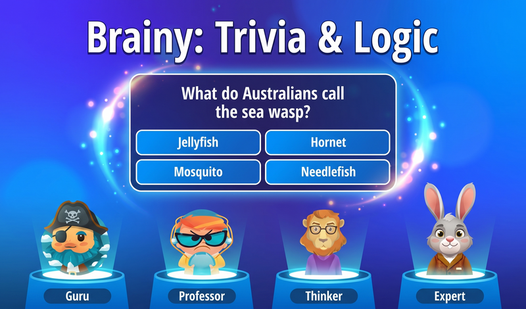
Use your mouse to click the correct answer from the provided list. The School questions controls are simple, but you have to be fast. If you hesitate, the timer might cut you off before you finish the round. Do not overthink the early questions; they are bait.
How to play School questions effectively
Read the full prompt before you commit to an answer. A common mistake is clicking the first option that sounds familiar, which usually leads to a wrong pick. You need to verify the logic behind your choice to progress. This is the best way to handle the harder subjects in School questions.
Who Should Play School questions?
Frequently Asked Questions about School questions
Can I play School questions on my phone?
Yes, it works fine on mobile browsers. The touch interface is responsive, so you can tap through the quiz while you are on the go.
How do you get a perfect score in School questions?
You must answer every single prompt correctly without missing a beat. The game does not offer second chances, so one wrong click ruins your streak.
Is School questions free to play?
Yes, School questions is completely free to play on Nub Games. There are no in-app purchases. No download or registration required.
Can I play School questions on mobile?
School questions works on both desktop and mobile devices. Best played in portrait mode.
What age rating is School questions?
The catalog age rating for School questions is 6+.