




Key Features
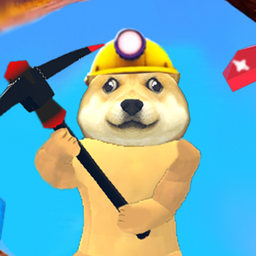
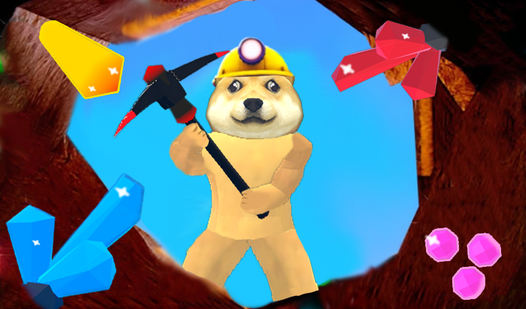
- Dynamic mining depth: The deeper you go, the rarer the minerals you find. You’ll need better gear to punch through the thick, black rock layers.
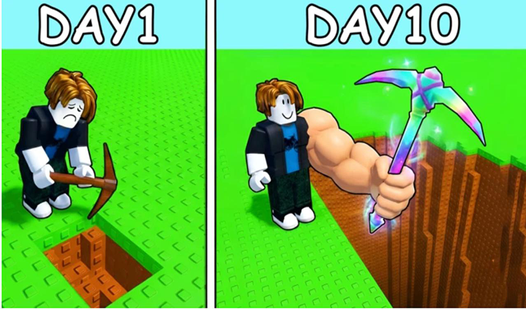
- Tool upgrade path: Spending your cash on better gear makes clearing sections faster. It’s the only way to reach the bottom.
- Interactive underground NPCs: Talk to the miners scattered around for tips. They sometimes drop hints about where the best loot is hidden.
- Inventory management: Keeping your bag organized matters. You don't want to be full when you strike gold.
How to Play
Mastering Robby Mine 3D movement
Use WASD to navigate the tunnels and hit space to clear those annoying rocks. Press F to chat with the local NPCs if you want to know which direction holds the juiciest loot. Keep in mind that Robby Mine 3D controls feel a bit floaty when you first start jumping around.
How to play Robby Mine 3D efficiently
You need to open your inventory with E constantly to swap between your upgraded tools. Don't waste your time hitting the same stone twice if your pickaxe is too weak to break it. You'll learn how to play Robby Mine 3D better once you realize that deep mining is worth the risk.
Who Should Play Robby Mine 3D?
Frequently Asked Questions about Robby Mine 3D
How do you upgrade tools in Robby Mine 3D?
You need to collect enough minerals during your mining runs to trade for better equipment. Access the shop menu after returning to the surface to spend your hard-earned cash.
What are the controls for Robby Mine 3D?
Move with WASD, jump with Space, and use your mouse to swing your pickaxe. You can check your inventory at any time by pressing the E key on your keyboard.
Is Robby Mine 3D free to play?
Yes, Robby Mine 3D is completely free to play on Nub Games. There are no in-app purchases. No download or registration required.
Can I play Robby Mine 3D on mobile?
Robby Mine 3D is currently available on desktop only. Best played in landscape mode.
What age rating is Robby Mine 3D?
Robby Mine 3D has a content rating of 6++. It is suitable for all ages.