









Key Features
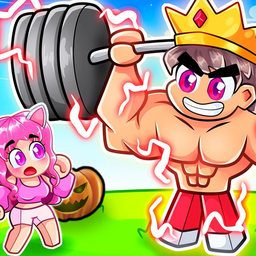
- Zero-G Gains: Training on different planets changes your physical output. You feel lighter, making every push-up look ridiculous but effective.
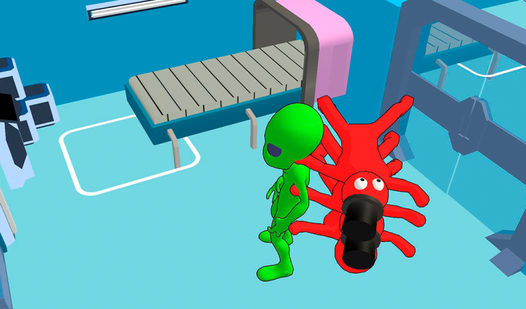
- Alien Pet Squad: Unlock weird creatures that boost your stats. They follow you around the solar system.
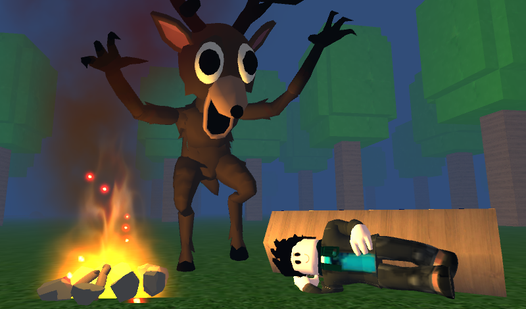
- Galactic Boss Fights: Press E to start a battle. You need high stats to actually survive these encounters.
- Rebirth Progression: Reset your progress to gain permanent strength. It is the only way to reach the final planet.
How to Play
Robbie: Gym 3 movement and mechanics
To start, use WASD or arrow keys to navigate the planet surface. Left-click to pump iron, but don't spam it too fast or you’ll miss the rhythm. If you’re checking out the Robbie: Gym 3 controls, remember that right-clicking lets you pivot the camera to spot those pesky galactic bosses.
Mastering Robbie: Gym 3 rebirths
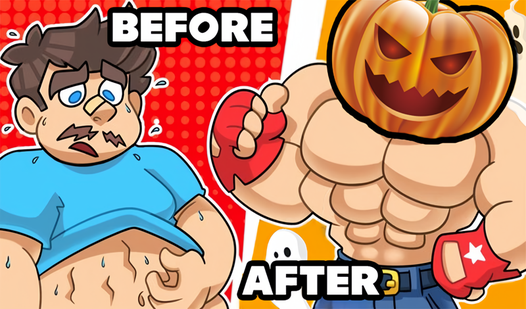
Once you hit your limit, hit that rebirth button to multiply your stats. It’s the only way to survive the later planets. Learning how to play Robbie: Gym 3 efficiently means balancing your training with actual combat. Just watch out for the movement, as the physics can feel a bit floaty when jumping.
Who Should Play Robbie: Gym 3?
Frequently Asked Questions about Robbie: Gym 3
How do you battle bosses in Robbie: Gym 3?
Walk up to a boss and press the E key to initiate the fight. You’ll get crushed immediately if your training stats are too low, so hit the gym first.
Can I play Robbie: Gym 3 on my phone?
Yes, it works on mobile devices using the touch controls. Use the left joystick to move and the button on the bottom right to jump over obstacles.
Is Robbie: Gym 3 free to play?
Yes, Robbie: Gym 3 is completely free to play on Nub Games. There are no in-app purchases. No download or registration required.
Can I play Robbie: Gym 3 on mobile?
Robbie: Gym 3 works on both desktop and mobile devices. Best played in landscape mode.
What age rating is Robbie: Gym 3?
The catalog age rating for Robbie: Gym 3 is 12+.