











Key Features
- Shelf Logic: Every placement counts toward your final bouquet. One wrong move clutters your limited space, making it harder to spot your next potential match.
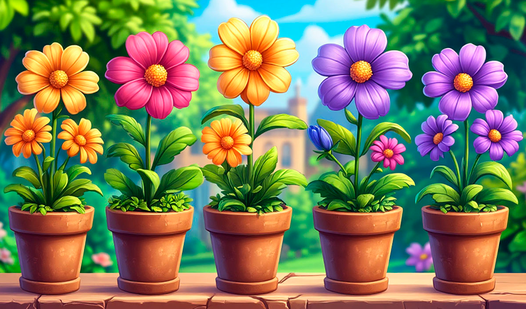
- Growth Spurt: Watch your small stems turn into massive bushes. The transition happens instantly once you slot that third matching flower into place.
- Tight Timelines: The March 8th deadline adds real pressure. You have to work faster than you expect to clear the board before time runs out.
- Visual Clarity: The colors pop on any screen. It makes sorting through the mess slightly less frustrating when the board gets packed.
How to Play
Managing your Pots
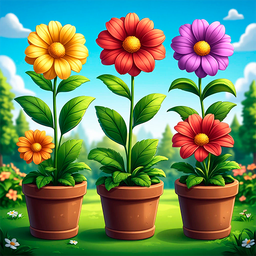
Click on a flower to grab it, then tap an empty spot to place it. You need to organize three matching stems into one container to trigger the upgrade. Learn how to play Pots by watching your spacing, because overcrowding the shelf makes it difficult to find the right matches later.
Are the Pots controls tricky?
Pots controls rely on simple taps, but don't get sloppy. Tapping the wrong spot sends your plant to the wrong shelf instantly. Most players mess up by ignoring the empty spaces, which leaves them stuck with no room to maneuver when the later stages get crowded.
Who Should Play Pots?
Frequently Asked Questions about Pots
Can I play Pots on my phone?
Yes, you can play this on mobile devices since it runs directly in your web browser. It works well on touchscreens, though your fingers might hide smaller flowers sometimes.
How do you win in Pots?
You win by clearing your shelves and growing all your flowers into lush bushes before the deadline hits. Keep your pots organized to ensure you always have room to move.
Is Pots free to play?
Yes, Pots is completely free to play on Nub Games. There are no in-app purchases. No download or registration required.
Can I play Pots on mobile?
Pots works on both desktop and mobile devices. Best played in portrait mode.
What age rating is Pots?
The catalog age rating for Pots is 6+.