








Key Features
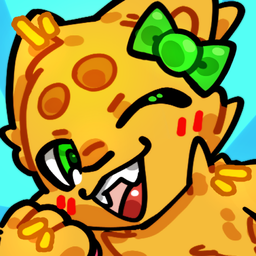
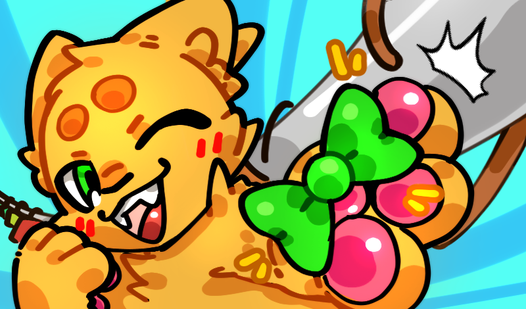
- Deep closet rotation: The accessory list is massive. You'll spend ages finding the perfect match for those whiskers.
- Instant visual feedback: Every item snaps onto your cat immediately. It makes swapping colors feel snappy.
- Whimsical color palettes: The game uses bright, saturated tones. They pop off the screen during long sessions.
- Layering logic: Some items block others. You have to think about which piece goes on first.
How to Play
Mastering Paws and Outfits Controls
Getting the look right is all about the Paws and Outfits controls. Just tap or click to cycle through the menu items. A common mistake is clicking too fast, which makes you miss the tiny details on the accessories. Once you learn how to play Paws and Outfits, it feels second nature.
Style choices in Paws and Outfits
Mix those hats with the glasses to see what works. Sometimes the layering is a bit finicky, and you might accidentally cover up a collar you actually liked. Don't worry, just hit reset and try a different combination. The later outfit sets get wild, so keep experimenting with every single tab.
Who Should Play Paws and Outfits?
Frequently Asked Questions about Paws and Outfits
Can I play Paws and Outfits on my phone?
Yes, it works great on mobile browsers. Just open the page and start styling your cats without needing to install an app.
What are the controls for Paws and Outfits?
The controls are exclusively point-and-click. You simply tap the clothing categories and select items to instantly apply them to your feline model.
Is Paws and Outfits free to play?
Yes, Paws and Outfits is completely free to play on Nub Games. There are no in-app purchases. No download or registration required.
Can I play Paws and Outfits on mobile?
Paws and Outfits works on both desktop and mobile devices. Best played in portrait mode.
What age rating is Paws and Outfits?
The catalog age rating for Paws and Outfits is 0+.