











Key Features
- Precision geometry: Select from stars, hexagons, or rhombuses to build complex shapes. These tools snap into place, saving you from drawing wobbly, uneven lines.
- RGB color control: Dial in specific shades using the RGB fields. It lets you go beyond the base palette if your vision requires a custom hue.
- One-click export: Hit the save button to grab a PNG of your work. It is instant and works great for sharing your sketches with friends.
- Theme switching: Toggle between light and dark backgrounds. It helps when you need to see how your colors pop against different contrast levels.
How to Play
Painter: Mastering the tools
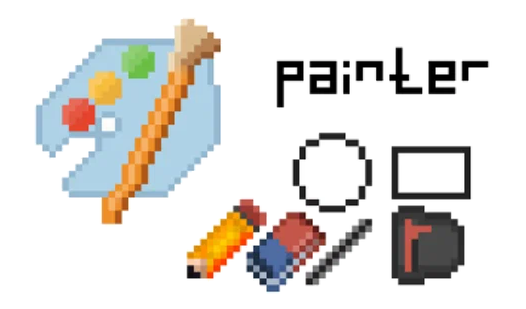
Use your mouse or touchscreen to select items from the left sidebar. Painter controls are simple, but clicking the wrong icon will swap your pencil for an eraser. Pick a tool, then click the workspace to start. Don't forget that you need to select a color from the top bar first.
How to play Painter like a pro
The fill tool is your best friend for blocking out shapes, though it can be a headache if your lines aren't fully enclosed. One common mistake is leaving a single pixel gap in your border. If that happens, the color will spill across your entire canvas. Fix your lines before you fill.
Who Should Play Painter?
Frequently Asked Questions about Painter
Can I play Painter on my phone?
Yes, it runs on mobile browsers just as well as on desktop. You can tap to draw your pixels wherever you are.
How do you export your work in Painter?
Look for the download button located below the main canvas. Clicking it will save your current drawing as a PNG file directly to your device.
Is Painter free to play?
Yes, Painter is completely free to play on Nub Games. Optional in-app purchases are available. No download or registration required.
Can I play Painter on mobile?
Painter works on both desktop and mobile devices. Best played in landscape mode.
What age rating is Painter?
The catalog age rating for Painter is 6+.