








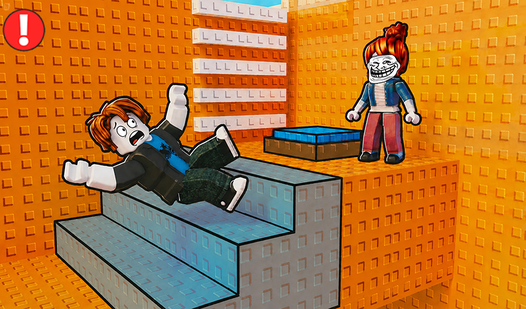

Key Features
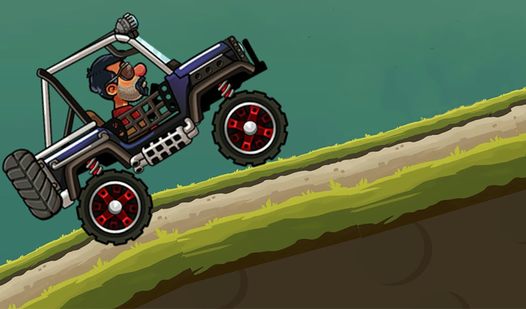
- Violent physics engine: Bikes collide with everything. Hitting an opponent sends them flying, but you might lose your own balance if you hit them wrong.
- Upgrade your ride: Better stats mean you clear wider gaps. You need those upgrades to keep up with the later, much faster tracks.
- Infinite speed mode: The track never ends. It is just you against the timer until you inevitably crash into a wall.
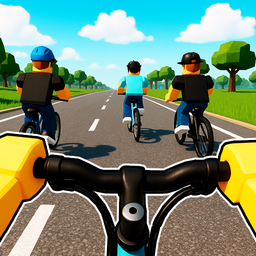
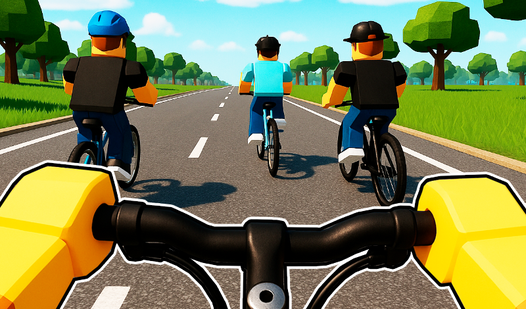
- First-person view: The camera stays locked on the bars. It makes every jump look way more terrifying when you are staring at the abyss.
How to Play
Obby Parkour Bike: Mastering the physics
Use your mouse or swipe to steer. You need to learn how to play Obby Parkour Bike by keeping your momentum steady before big jumps. The Obby Parkour Bike controls feel a bit floaty at first, so don't hold the turn too long or you will definitely wipe out.
Tackling Obby Parkour Bike obstacles
Your biggest mistake will be trying to go full speed through every corner. Slow down before the tricky gaps. Once you nail a landing, you can start pushing for those speedruns. Later tracks get absolutely chaotic, and you are going to need every upgrade you can afford to survive.
Who Should Play Obby Parkour Bike?
Frequently Asked Questions about Obby Parkour Bike
Can I play Obby Parkour Bike on my phone?
Yes, it works fine on mobile devices. You just swipe across your screen to steer the bike instead of using a mouse.
What are the controls for Obby Parkour Bike?
You use the left mouse button to steer on desktop computers. On mobile, you simply swipe your finger to navigate the track and avoid falling off.
Is Obby Parkour Bike free to play?
Yes, Obby Parkour Bike is completely free to play on Nub Games. Optional in-app purchases are available. No download or registration required.
Can I play Obby Parkour Bike on mobile?
Obby Parkour Bike works on both desktop and mobile devices. Best played in portrait mode.
What age rating is Obby Parkour Bike?
Obby Parkour Bike has a content rating of 6++. It is suitable for all ages.