











Key Features
- Vertical gravity: Every jump forces you to account for height. Falling off means losing all your progress in a single, painful blink.
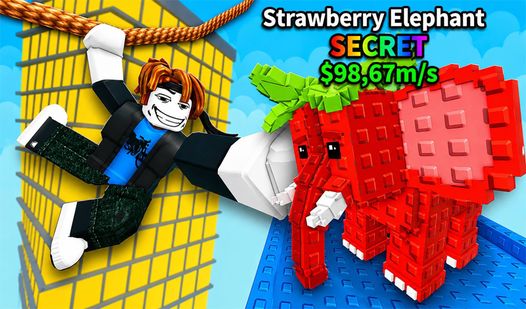
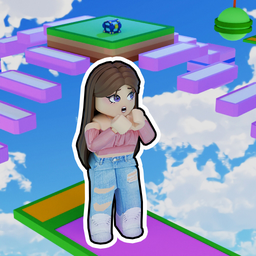
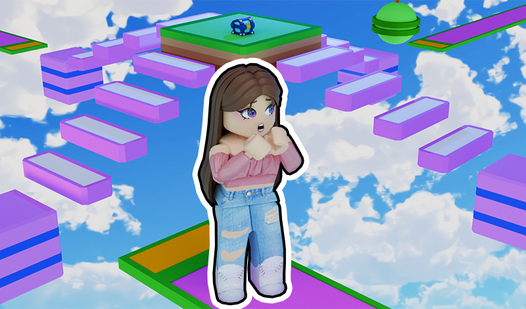
- Anime aesthetic: The visuals keep things light while you struggle. Characters look clean against the bright skybox.
- Stage skipping: Press X if you get stuck on a frustrating gap. It keeps the flow moving when you hit a wall.
- Camera sensitivity: Adjust your view to handle tight platforming. It is necessary for lining up those long, scary jumps.
How to Play
Obby: Only up: Mastering the basics
Use WASD to move and your mouse to look around. Space bar handles your jumps. Learning the Obby: Only up controls early is vital because the camera sensitivity can be twitchy. Don't hold the sprint key too long or you'll overshoot the platforms.
How to play Obby: Only up
Focus on your landing spot before you commit to a leap. A common mistake is rushing the jumps without checking the platform alignment. Once you get the rhythm, you can clear sections faster. Just remember that one slip sends you all the way back down to the start.
Who Should Play Obby: Only up?
Frequently Asked Questions about Obby: Only up
Can I play Obby: Only up on my phone?
Yes, it works on mobile devices using the on-screen joystick and buttons. It’s free to jump into, though the smaller screen makes those long-distance jumps feel significantly harder.
How do you skip stages in Obby: Only up?
You just press the X key on your keyboard to bypass the current section. Use this sparingly if you want to actually improve your skills.
Is Obby: Only up free to play?
Yes, Obby: Only up is completely free to play on Nub Games. Optional in-app purchases are available. No download or registration required.
Can I play Obby: Only up on mobile?
Obby: Only up works on both desktop and mobile devices. Best played in landscape mode.
What age rating is Obby: Only up?
The catalog age rating for Obby: Only up is 6+.