











Key Features
- Tactile logic: Dragging sticks feels physical. It makes the math feel less like homework and more like a desk toy.
- Scaling difficulty: Moving one stick is a breeze, but sliding two adds real friction to your decision-making.
- Visual math: Seeing the numbers shift keeps you focused. It prevents you from just guessing blindly.
- Added challenge: The mode where you add extra sticks is a nightmare. It forces you to rethink every digit.
How to Play
Move the match: The basics
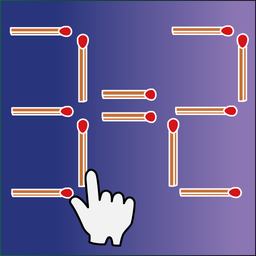
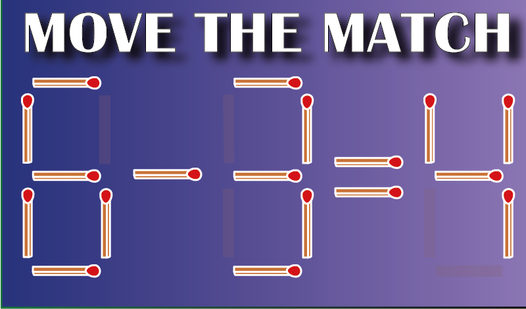
Use your mouse or tap to grab a stick. You need to drag it to a new position to make the math balance out. Move the match controls are straightforward, but watch your placement. Clicking the wrong spot on your screen is a common mistake that ruins your attempt.
How to play Move the match like a pro
Look for the obvious fixes first. Can you turn that plus sign into a minus? Always check if you can move a single stick before you try two. Once you master the simple addition, you will have to deal with multiplication tables that make your head spin.
Who Should Play Move the match?
Frequently Asked Questions about Move the match
How do you move sticks in Move the match?
Simply click and hold the matchstick you want to relocate. Drag it to an empty slot or a new position to change the numerical value of the equation.
Can I play Move the match on my phone?
Yes, you can run this right in your mobile browser. The touch interface works well, though small screens can make grabbing the sticks a bit finicky.
Is Move the match free to play?
Yes, Move the match is completely free to play on Nub Games. There are no in-app purchases. No download or registration required.
Can I play Move the match on mobile?
Move the match works on both desktop and mobile devices. Best played in landscape mode.
What age rating is Move the match?
The catalog age rating for Move the match is 0+.