











Key Features
- Adaptive AI Cat: Tom tracks your performance and adjusts his own strategy accordingly. He gets faster as your streaks grow, forcing you to step up your game.
- Unlockable Avatars: Spend your hard-earned gold on new looks. It adds a bit of flair to your profile.
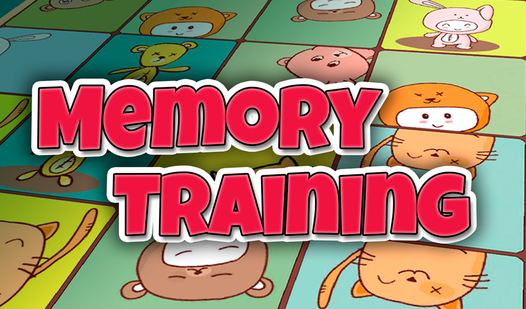
- Clean Board Design: The interface stays out of your way. You only see the cards and your score.
- Persistent Memory Burn: The difficulty spikes hard in the later stages. It can feel a bit unfair when the board gets crowded.
How to Play
Memory Training: Getting Started
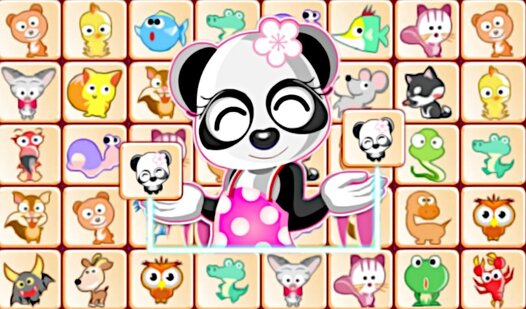
Use your mouse or tap the screen to flip cards. Memory Training controls are simple, but don't get cocky. Memorize the symbols as fast as you can before the board resets. Most players mess up by clicking too quickly before they actually process what they saw. Just breathe, look, and click.
Winning at Memory Training
Once you know how to play Memory Training, your goal is to clear the board in as few turns as possible. Pair the tiles to score points and stack up that game gold. Watch out, because Tom the cat is actually learning your patterns. The AI gets surprisingly aggressive once you hit the later boards.
Who Should Play Memory Training?
Frequently Asked Questions about Memory Training
Does Memory Training have multiplayer?
Yes, you can challenge Tom the cat in a head-to-head match. You have to beat his score by finding pairs faster than he does.
Can I play Memory Training on my phone?
Absolutely, the game runs on mobile browsers just as well as desktop. You just tap the cards rather than clicking them with a mouse.
Is Memory Training free to play?
Yes, Memory Training is completely free to play on Nub Games. Optional in-app purchases are available. No download or registration required.
Can I play Memory Training on mobile?
Memory Training works on both desktop and mobile devices. Best played in portrait mode.
What age rating is Memory Training?
The catalog age rating for Memory Training is 6+.