Key Features
- Grid Scaling: Levels expand from tiny squares into massive boards. The screen gets crowded quickly.
- Audio Cues: Every flip generates a specific chime. It helps you stay in a rhythm.
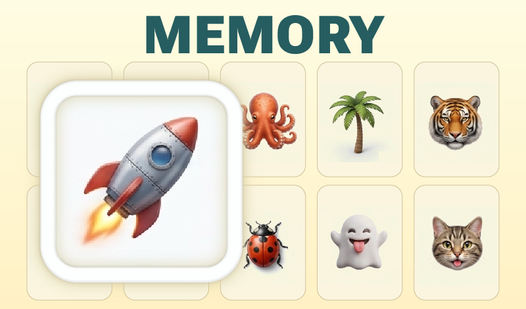
- Visual Clarity: High-contrast images make cards pop. You can spot the differences across the room.
- Free Progress: Every level is open for free. You never hit a paywall mid-game.
How to Play
Memory: Getting started
Use your mouse to click any two tiles. Memory controls rely entirely on simple clicks, so it is easy to pick up. You want to match identical images to clear them from the board. Watch the cards carefully before they flip back over.
Mastering the Memory board
Memorize the layout while the cards are face-up at the start. If you rush, you will mess up spectacularly and waste moves. This is how to play Memory properly. Most people flip cards too fast without checking their previous positions first.
Memory: The endgame
The later levels turn into an absolute nightmare of tiles. You will need serious concentration to keep track of thirty pairs at once. Do not expect to clear the massive grids on your first attempt. It takes patience to beat the clock without making a single error.
Who Should Play Memory?
Frequently Asked Questions about Memory
Can I play Memory on my phone?
Yes, it works perfectly on mobile devices. You just tap the screen to flip the cards instead of clicking with a mouse.
How many levels does Memory have?
The game includes a massive range of boards. It keeps adding complexity as you progress, so you will not run out of challenges anytime soon.
Is Memory free to play?
Yes, Memory is completely free to play on Nub Games. There are no in-app purchases. No download or registration required.
Can I play Memory on mobile?
Memory works on both desktop and mobile devices. Best played in none mode.
What age rating is Memory?
Memory has a content rating of 6++. It is suitable for all ages.