





Key Features
- Infinite Dress-up: Switch between hundreds of clothing items to define your character's look. Changing one accessory shifts the whole aesthetic instantly.
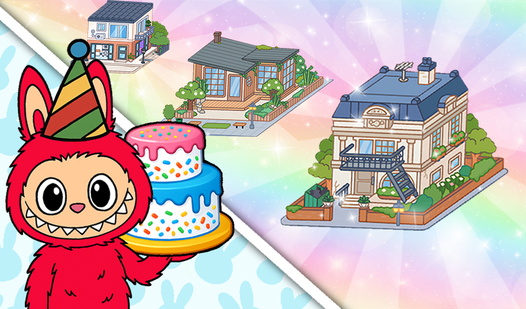
- Room Layouts: Drag furniture across the floor to build cozy corners. You define the flow of the room.
- Story Sandbox: Set up a scene and invent a narrative. The items exist to support your imagination.
- Total Freedom: Everything is unlocked from the start.
How to Play
Labubu: Create & Play: Getting started
Tap items to drag them into your scene. The Labubu: Create & Play controls are touch-based, so just hold and slide your finger to move furniture or accessories around. Don't worry about hitting a save button because your setup stays put as long as you keep the tab open.
Customizing your Labubu: Create & Play character
Open the editor to swap outfits and facial expressions. This is how to play Labubu: Create & Play if you want to make something weird or stylish. Most players rush this part, but you should take your time. If you drag an item too fast, it might glitch through the floor.
Who Should Play Labubu: Create & Play?
Frequently Asked Questions about Labubu: Create & Play
Can I play Labubu: Create & Play on my phone?
Yes, you can run this game on mobile browsers without any issues. It works fine on most touchscreens, though you might need to zoom in to place tiny items accurately.
What are the controls for Labubu: Create & Play?
You use simple drag-and-drop mechanics to interact with the world. Just tap on a character or piece of furniture and slide it to your preferred spot on the screen.
Is Labubu: Create & Play free to play?
Yes, Labubu: Create & Play is completely free to play on Nub Games. There are no in-app purchases. No download or registration required.
Can I play Labubu: Create & Play on mobile?
Labubu: Create & Play works on both desktop and mobile devices. Best played in landscape mode.
What age rating is Labubu: Create & Play?
The catalog age rating for Labubu: Create & Play is 0+.