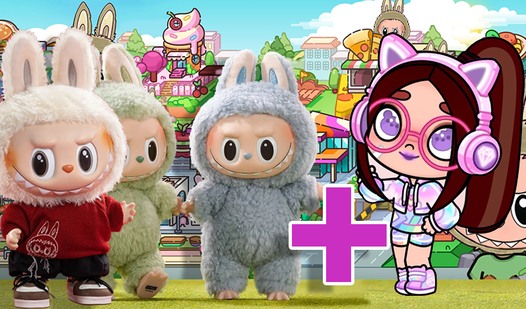












Key Features
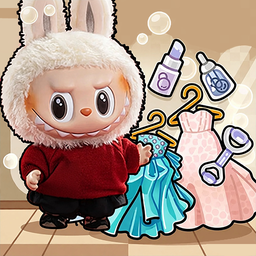
- Creative freedom: Place items anywhere on the grid. It lets you break the rules of interior design.
- Character interaction: Give your Labubu food or accessories to watch them react. It makes the space feel alive.
- Snapshot mode: Click the camera icon to save your best setups. It is perfect for showing off your style.
- Room variety: Switch between different zones to keep the aesthetic fresh. Each room needs a different kind of layout.
How to Play
Mastering Labubu & Avatar controls
Use your mouse or finger to tap items and drag them across your screen. Labubu & Avatar controls are straightforward, but watch your spacing. If you overlap furniture too much, the items start glitching. Just line them up carefully.
How to play Labubu & Avatar effectively
This is how to play Labubu & Avatar if you want a clean look. Pick your theme from the sidebar menu first. Drag decorations into your character's hands to trigger reactions. Don't worry if the items feel slightly small at first.
Who Should Play Labubu & Avatar?
Frequently Asked Questions about Labubu & Avatar
How do you feed characters in Labubu & Avatar?
Simply drag any food or drink item directly onto your character. They will start eating it immediately once the item connects with their hands.
Can I play Labubu & Avatar on my phone?
Yes, it works on mobile browsers just as well as on desktop. You just tap and drag instead of using a mouse cursor.
Is Labubu & Avatar free to play?
Yes, Labubu & Avatar is completely free to play on Nub Games. There are no in-app purchases. No download or registration required.
Can I play Labubu & Avatar on mobile?
Labubu & Avatar works on both desktop and mobile devices. Best played in landscape mode.
What age rating is Labubu & Avatar?
The catalog age rating for Labubu & Avatar is 6+.