











Key Features
- Sticky Snaps: Pieces lock together with a distinct sound. It provides immediate feedback so you know you found a match.
- Scaling Complexity: The first level is a breeze. Later stages add so many pieces that the board gets crowded.
- Visual Clarity: Colors act as your primary guide. You can sort by shade to clear the board faster.
- Group Dragging: Move clusters of blocks at once. This keeps your workspace clean when you have dozens of pieces.
How to Play
Mastering Jigsolitaire movement
Use your mouse or finger to drag pieces across the board. Jigsolitaire controls feel snappy, but the hitbox for snapping pieces can be tricky if you move too fast. Don't try to force a piece into a slot if it doesn't fit. It won't click.
How to play Jigsolitaire effectively
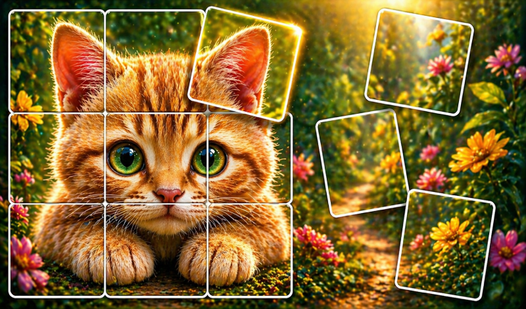
Look for corners and edges first. Once you connect a few blocks, they become a single object that moves together. This makes the later, more crowded levels much easier to manage. Just keep at it, though the tiny pieces on mobile screens might annoy you.
Who Should Play Jigsolitaire?
Frequently Asked Questions about Jigsolitaire
Can I play Jigsolitaire on my phone?
Yes, you can play on any mobile browser. The touch controls for Jigsolitaire are responsive, though zooming in on smaller pieces helps quite a bit.
How do you clear the board in Jigsolitaire?
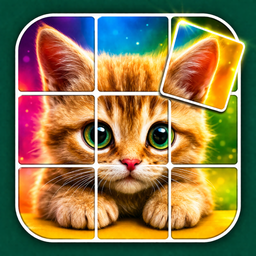
You drag pieces until they snap into their neighbors. Keep grouping them until the entire image is restored and the screen is empty of stray blocks.
Is Jigsolitaire free to play?
Yes, Jigsolitaire is completely free to play on Nub Games. Optional in-app purchases are available. No download or registration required.
Can I play Jigsolitaire on mobile?
Jigsolitaire works on both desktop and mobile devices. Best played in portrait mode.
What age rating is Jigsolitaire?
The catalog age rating for Jigsolitaire is 6+.