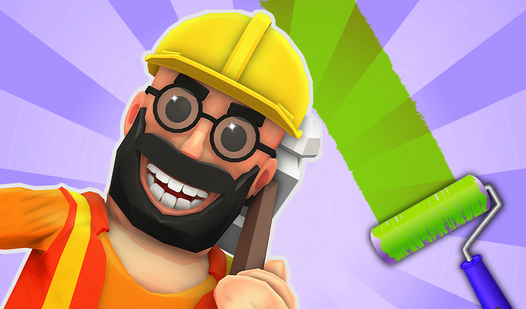












Key Features
- Task Variety: You flip between cleaning, building, and driving machines. The constant change keeps your brain from checking out.
- Physics Jank: Objects occasionally clip through walls or behave in ways that defy logic. It makes the harder levels frustrating.
- Clear Missions: Every job gives you a simple target to hit. Just follow the prompt and try not to break everything.
- Arcade Pacing: The levels fly by. You finish one and immediately jump into the next without any downtime.
How to Play
Mastering Handyman controls
Your Handyman controls rely entirely on the MOUSE and LEFT-CLICK. Click to interact with objects and drag your cursor to rotate or place components. A common mistake is clicking too fast when the physics get janky. Take a breath and align your target before you commit to the move.
How to play Handyman efficiently
To learn how to play Handyman properly, watch the movement indicators on screen. Each mission forces you to finish within a specific limit, so do not dawdle. The later stages spike in difficulty, turning simple tasks into a high-stakes race against the clock. Keep your focus sharp.
Who Should Play Handyman?
Frequently Asked Questions about Handyman
How many levels does Handyman have?
There are over thirty unique missions waiting for you. Each one throws a different construction task your way, so the game keeps you busy for a decent while.
Can I play Handyman on my phone?
Handyman is strictly for desktop users right now. The mouse-based interaction is essential for lining up those tricky placements, which would feel terrible on a touchscreen.
Is Handyman free to play?
Yes, Handyman is completely free to play on Nub Games. There are no in-app purchases. No download or registration required.
Can I play Handyman on mobile?
Handyman is currently available on desktop only. Best played in portrait mode.
What age rating is Handyman?
The catalog age rating for Handyman is 0+.