






Key Features
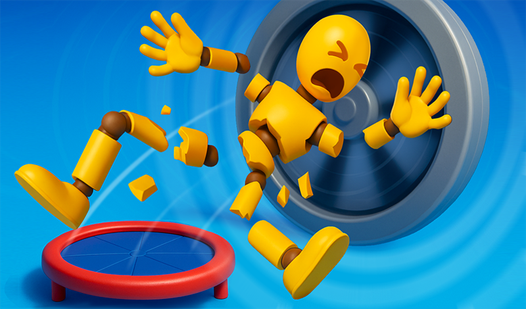
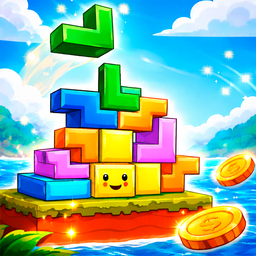
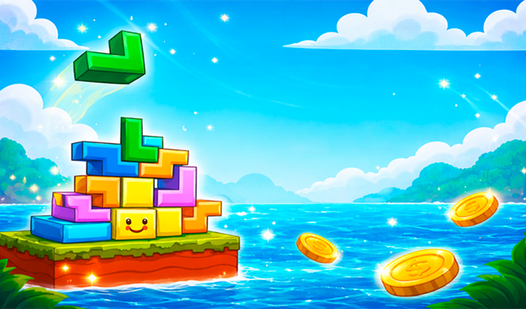
- Unstable physics engine: Blocks don't snap to a grid. They slide, tip, and tumble based on where you dropped them.
- Material variety: Switch between heavy concrete and grippy vines to stabilize your mess. The wrong choice sends everything plummeting.
- Weight simulation: Your base feels the pressure of every piece added above it. Watch your tower groan under the load.
- Vertical chaos: The tower never stays still. You are fighting constant movement.
How to Play
Mastering Gravity Blocks controls
Use the arrow keys or screen buttons to nudge your falling shapes. You need to align them quickly, but don't rush blindly. If you stack too high without balancing the center of mass, the tower will tip. Learning how to play Gravity Blocks means understanding that every single block has weight.
Gravity Blocks: Choosing your material
Hit key 1 for vines to grab onto surfaces, or key 2 for heavy concrete blocks. Concrete is great for a base, but it can crush your delicate structures if you drop it from too high. Most players mess up by stacking concrete on top of vine-heavy layers. Do not do that.
Surviving Gravity Blocks physics
The game gets significantly harder once the screen tilts. You will eventually face structures that defy logic and basic physics. Keep your cool when the screen starts shaking. It is meant to mess with your head, but staying calm is the only way to reach those higher scores.
Who Should Play Gravity Blocks?
Frequently Asked Questions about Gravity Blocks
Can I play Gravity Blocks on my phone?
Yes, the game is mobile-ready. You just use the buttons on the sides of the screen to move and rotate your pieces while on the go.
How do you use the vine ability in Gravity Blocks?
Press the 1 key on your keyboard to select the vine block. It helps anchor your tower to the sides of the screen, which prevents total collapse.
Is Gravity Blocks free to play?
Yes, Gravity Blocks is completely free to play on Nub Games. There are no in-app purchases. No download or registration required.
Can I play Gravity Blocks on mobile?
Gravity Blocks works on both desktop and mobile devices. Best played in landscape mode.
What age rating is Gravity Blocks?
Gravity Blocks has a content rating of 0++. It is suitable for all ages.