Key Features
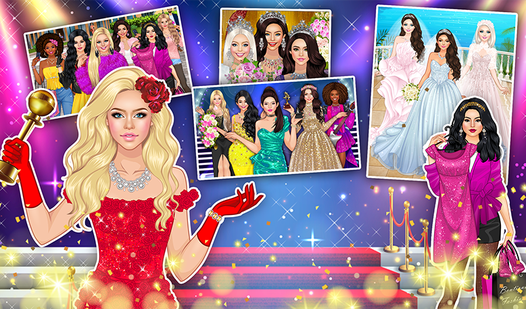
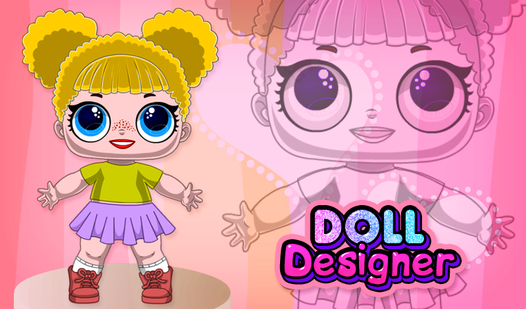
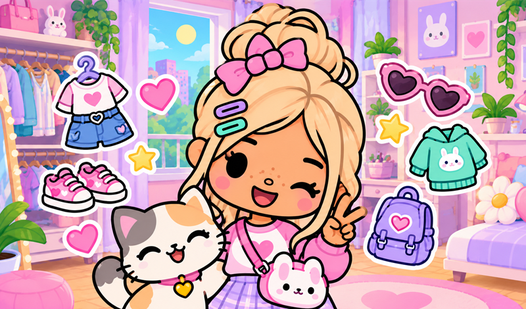
- Color Customization: Change the tint of almost every garment. It prevents your character from looking like a carbon copy of the default preset.
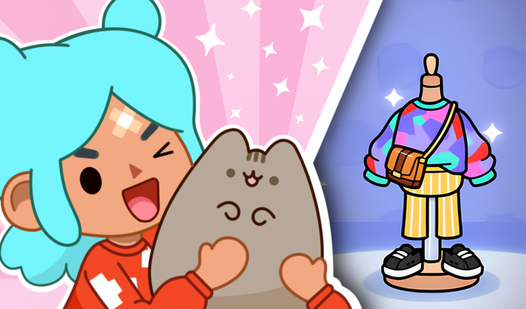
- Layering System: Stack accessories and clothing to build depth. Watch out for clipping issues on complex outfits.
- Instant Saving: Export your final result as a high-quality image file. It makes sharing your designs with friends super easy.
- Visual Variety: Mix and match dozens of unique pieces. You can spend forever tweaking the tiny details.
How to Play
Doll Designer: Mastering the interface
Understanding the Doll Designer controls is simple because you either tap or click to swap items. You navigate the menus on the side to cycle through hairstyles, outfits, and accessories. Just remember that the color picker is your best friend here, as the default shades can look a bit flat.
How to play Doll Designer effectively
To learn how to play Doll Designer, focus on how the layers stack. You might mess up the order if you pick a coat before a shirt, which sometimes clips through the textures. Save your favorite looks as a PNG to build a digital scrapbook of your best creative work.
Who Should Play Doll Designer?
Frequently Asked Questions about Doll Designer
Can I play Doll Designer on my phone?
Yes, the game is fully touch-compatible for mobile screens. The interface scales well, though some of the smaller buttons might be a bit fiddly on tiny devices.
How do I save my progress in Doll Designer?
You cannot save your progress within the app itself, but you can download your final creation as a PNG file. Make sure to save your work before you refresh.
Is Doll Designer free to play?
Yes, Doll Designer is completely free to play on Nub Games. There are no in-app purchases. No download or registration required.
Can I play Doll Designer on mobile?
Doll Designer works on both desktop and mobile devices. Best played in landscape mode.
What age rating is Doll Designer?
The catalog age rating for Doll Designer is 0+.