






Key Features
- Piano-driven rhythm: The background music keeps you calm. It helps you focus on the timing rather than the impending collapse.
- Unforgiving physics: Blocks don't snap into place automatically. You have to handle the physics yourself, or the whole thing tips over.
- Competitive rankings: Climb the leaderboard by stacking high. It makes every single block placement matter more.
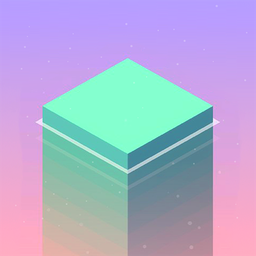
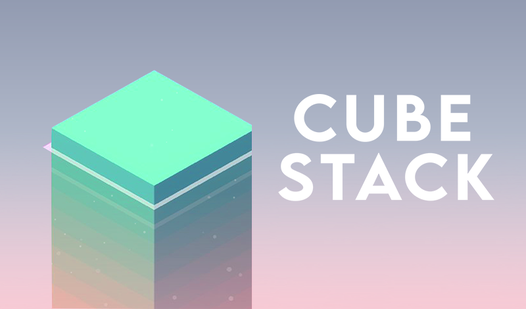
- Minimalist visual style: The clean geometry removes all distractions. You see exactly where the hitbox lands.
How to Play
Mastering Cube Stack clicks
To learn how to play Cube Stack, you need to time your clicks perfectly. Use the standard Cube Stack controls by performing a single left-click or screen tap to drop a block. The base moves back and forth, so wait for the right moment. If you drop it too fast, your tower will end up looking like a jagged mess.
Why Cube Stack gets cruel
Don't get cocky when the tower is small. The common mistake is rushing through the first ten blocks, which makes the top-heavy structure wobble. You have to account for the momentum of the moving platform. As the game speeds up, the margins for error shrink, and your tower becomes a ticking time bomb.
Who Should Play Cube Stack?
Frequently Asked Questions about Cube Stack
Can I play Cube Stack on my phone?
Yes, it works fine on mobile browsers. Just tap the screen to drop your blocks whenever the platform aligns with your tower.
What are the controls for Cube Stack?
You only need one button. Click or tap anywhere on your screen to lock the current block into position and start the next one.
Is Cube Stack free to play?
Yes, Cube Stack is completely free to play on Nub Games. There are no in-app purchases. No download or registration required.
Can I play Cube Stack on mobile?
Cube Stack works on both desktop and mobile devices. Best played in portrait mode.
What age rating is Cube Stack?
Cube Stack has a content rating of 0++. It is suitable for all ages.