










Key Features
- High-Stakes Crash: Predict when the multiplier will collapse. Cash out early to secure your winnings or wait it out and risk losing everything.
- Contract Upgrades: Combine multiple cheap skins into one better item.
- Live Roulette: Bet on colors to double your balance. It is a quick way to lose your entire bankroll if you get greedy.
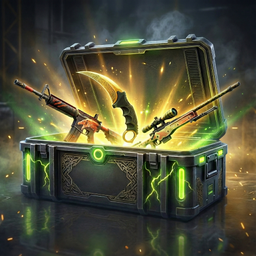
- Inventory Tracking: View your full collection of knives and skins. It’s annoying that you can’t sort them by value, but it works fine for showing off.
How to Play
CS:GO Cases: Mastering the menu
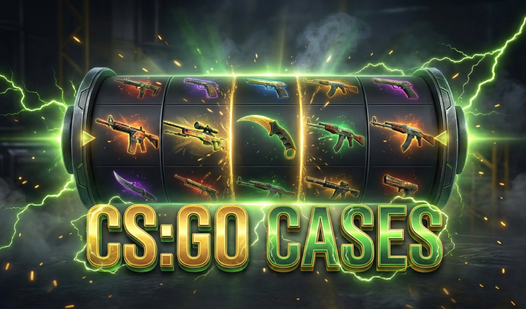
Click to select your case and watch the spin animation. You use basic mouse clicks for all CS:GO Cases controls. Just remember that the inventory fills up fast, so don't be afraid to sell the junk skins early on. Knowing how to play CS:GO Cases is simple, but managing your balance is the real challenge.
Winning big in CS:GO Cases
Use the Contracts mode to dump your low-value items for a potential upgrade. It’s a gamble, but that’s the point. The common mistake is holding onto everything instead of trading up. If you play your cards right, you might land something worth a fortune before the luck runs out.
Who Should Play CS:GO Cases?
Frequently Asked Questions about CS:GO Cases
Can I play CS:GO Cases on my phone?
Yes, it works fine on mobile browsers. You just tap the screen instead of clicking, though the smaller buttons can be tricky to hit.
How do you use contracts in CS:GO Cases?
Select three to ten items from your inventory and hit the contract button. You get one random skin back which might be worth more than your total input.
Is CS:GO Cases free to play?
Yes, CS:GO Cases is completely free to play on Nub Games. There are no in-app purchases. No download or registration required.
Can I play CS:GO Cases on mobile?
CS:GO Cases works on both desktop and mobile devices. Best played in portrait mode.
What age rating is CS:GO Cases?
CS:GO Cases has a content rating of 12++. Parental guidance may be recommended for younger players.