


Key Features
- Grid Snap: The game locks your thread into the specific square you tapped. It saves you from messy lines when you're zoomed in tight.
- Color Palette: Each project comes with a set number of threads. You have to use them all to see the final picture reveal itself.
- Zoom Mechanics: Use your mouse wheel or touch gestures to inspect the tiny stitches. It’s necessary for the larger, more complex animal portraits.
- Pattern Library: Pick from a list of various designs. Some are quick sketches, while others take a serious amount of clicks to complete.
How to Play
Mastering Cross stitch controls
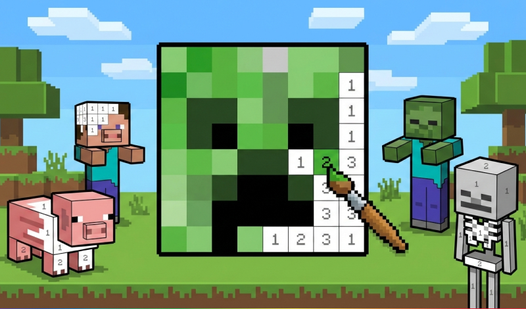
Cross stitch controls are simple: just tap or click the thread color at the bottom, then click the matching number on the canvas. If you’re on a phone, pinch to zoom so you don't hit the wrong spot. Clicking the wrong cage is a common mistake that forces you to restart your progress.
How to play Cross stitch efficiently
To figure out how to play Cross stitch like a pro, focus on filling one color block at a time. It keeps the screen organized. Once you finish a section, click the 'Make new' button to start a fresh design. The later patterns get massive and might test your eyes.
Who Should Play Cross stitch?
Frequently Asked Questions about Cross stitch
Can I play Cross stitch on my phone?
Yes, it works perfectly on mobile devices. You just pinch your fingers to zoom in on the canvas so you can see every single stitch.
What are the controls for Cross stitch?
You select a thread ball from the bottom menu and click the numbered squares on the grid. It’s point-and-click gameplay that doesn't require any fancy maneuvers.
Is Cross stitch free to play?
Yes, Cross stitch is completely free to play on Nub Games. There are no in-app purchases. No download or registration required.
Can I play Cross stitch on mobile?
Cross stitch works on both desktop and mobile devices. Best played in landscape mode.
What age rating is Cross stitch?
Cross stitch has a content rating of 0++. It is suitable for all ages.